You can print a listing of transactions in each deposit, including fees.
-
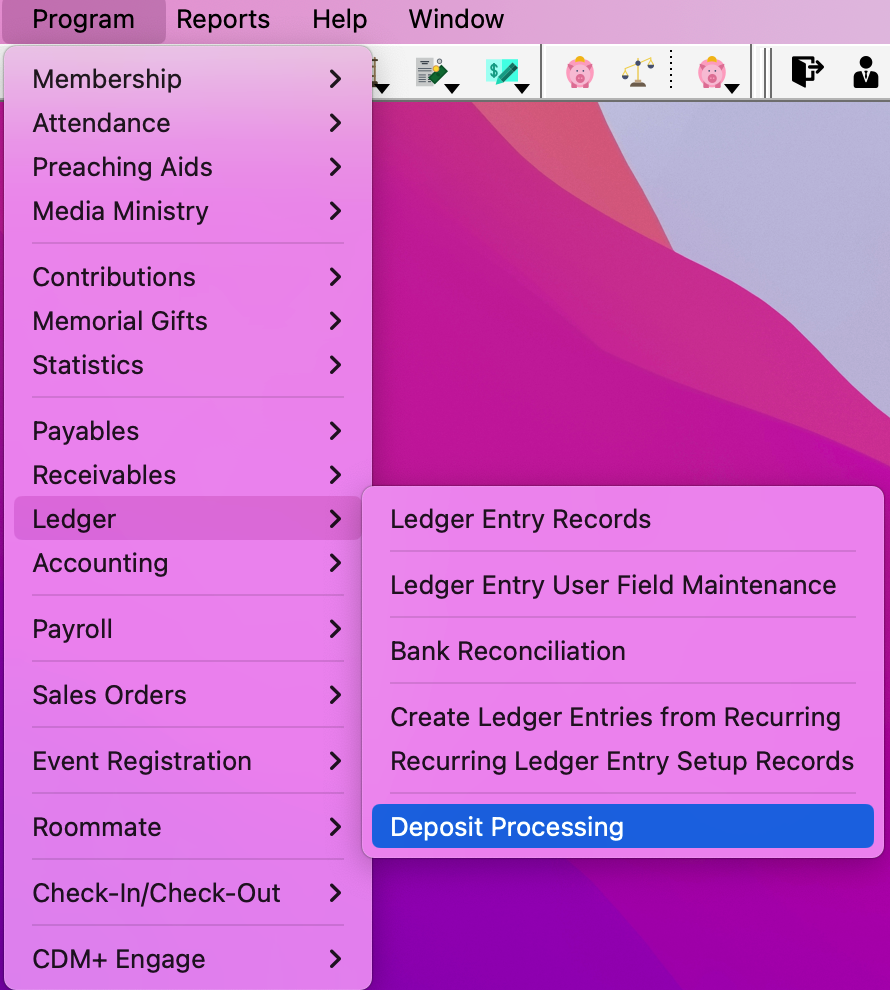
Go to Program → Ledger → Deposit Processing.
-
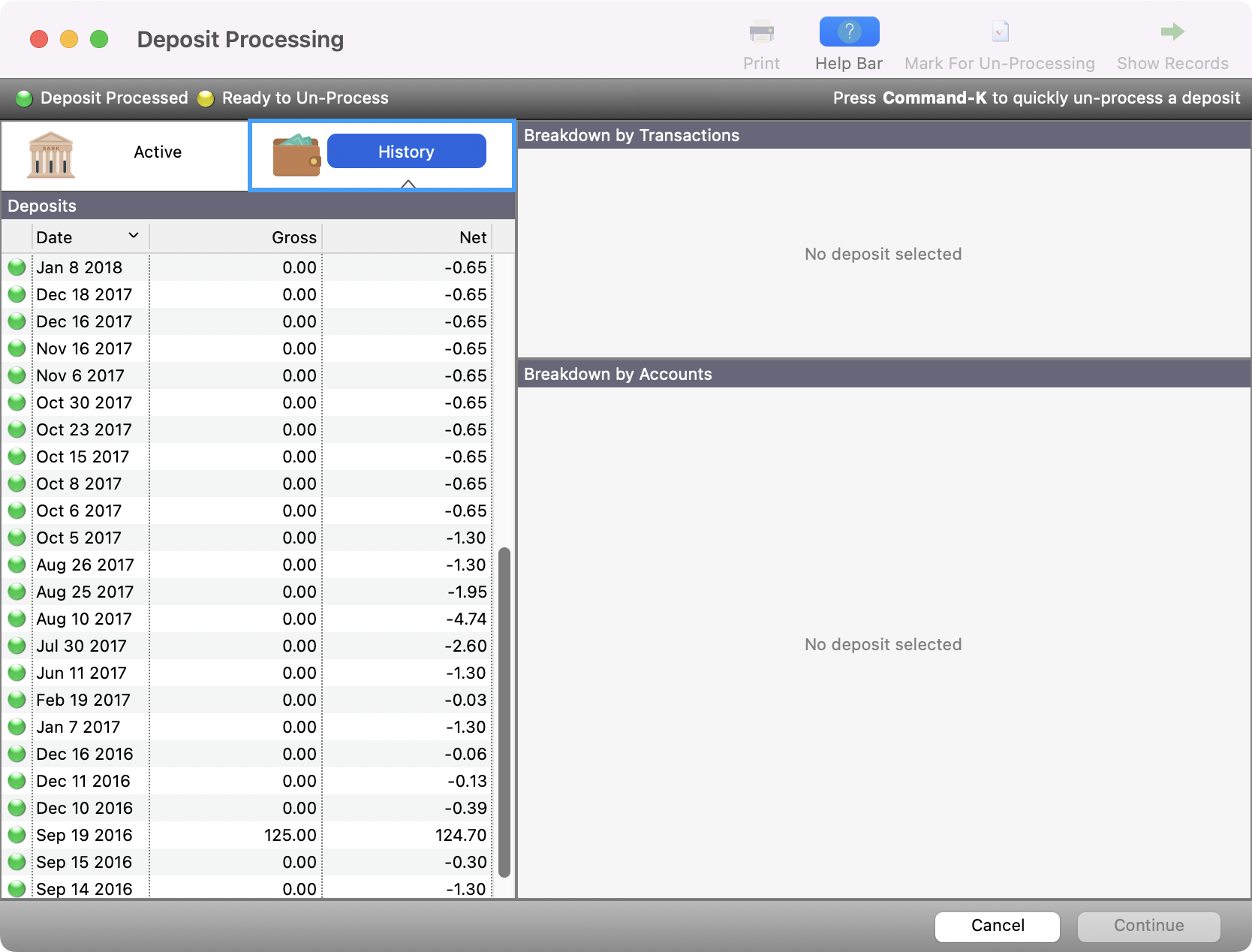
Click History if the deposit is already posted
-
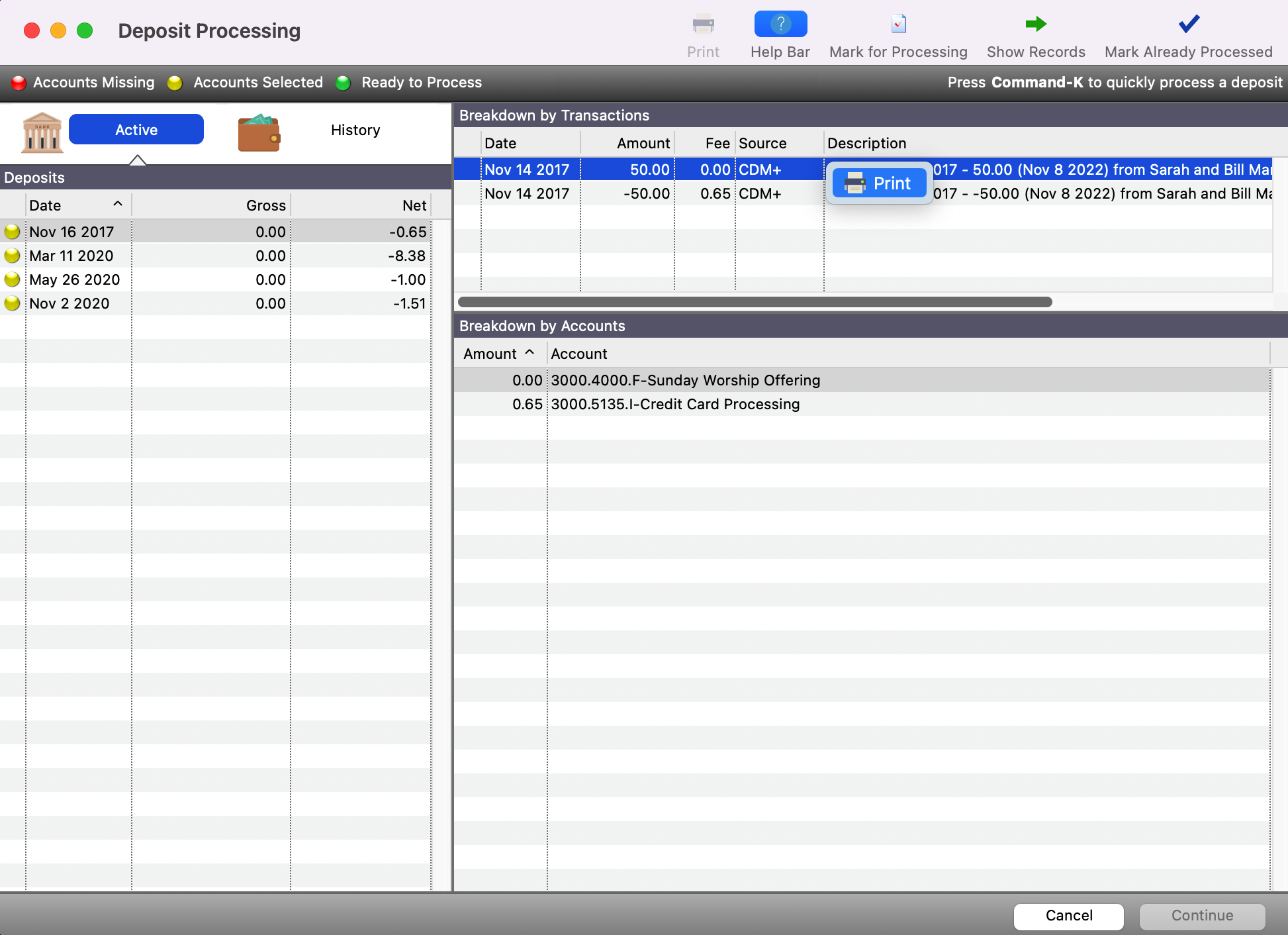
Select the deposit in question, then right-click or ctrl-click (macOS) any line in the Breakdown by Transactions list. You will then see the option to Print.
-
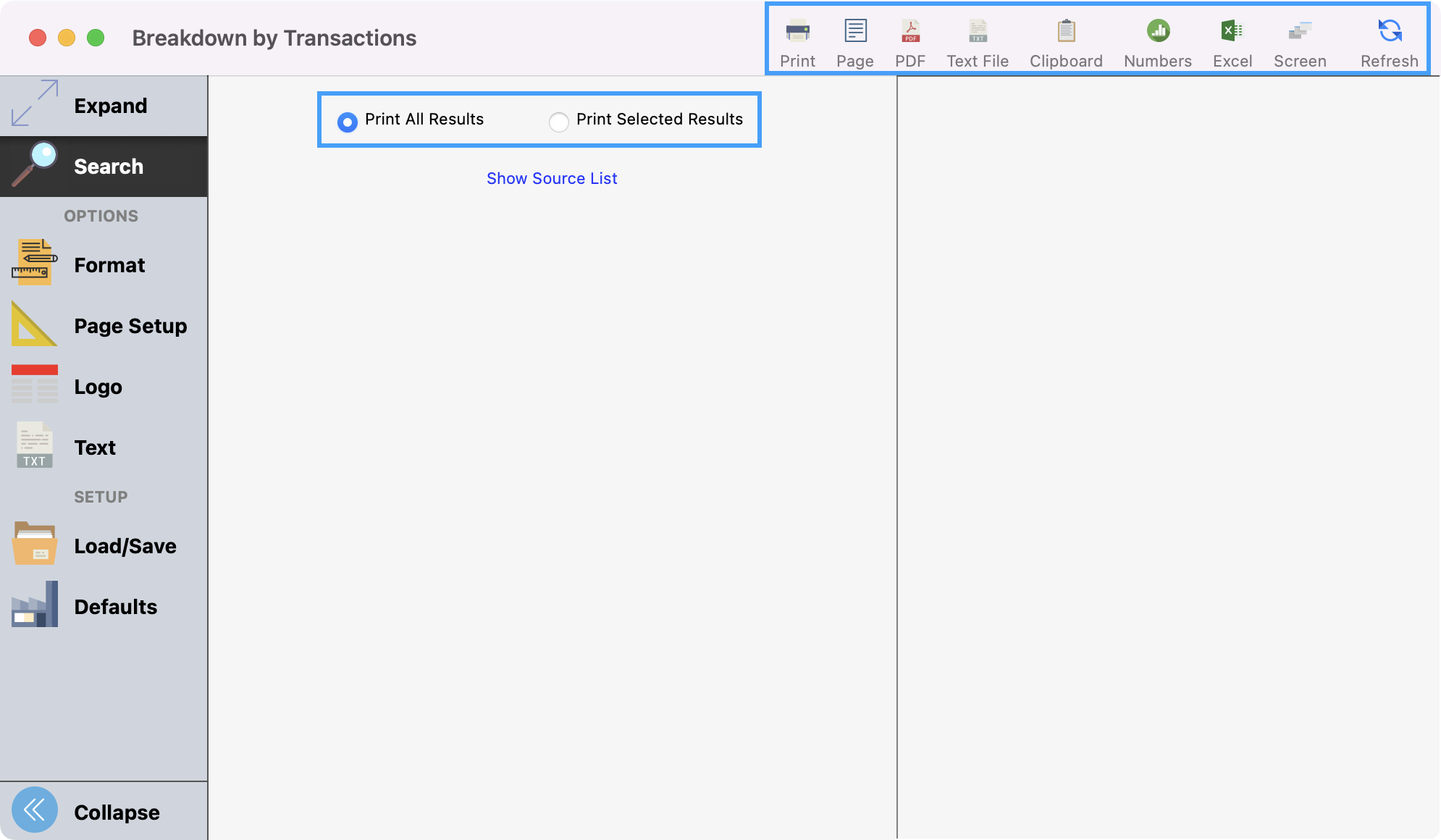
Choose Print, and you will see the Breakdown by Transactions window open. Here you can choose to Print All Results or Selected Results, then Refresh, Print, or Export as desired.