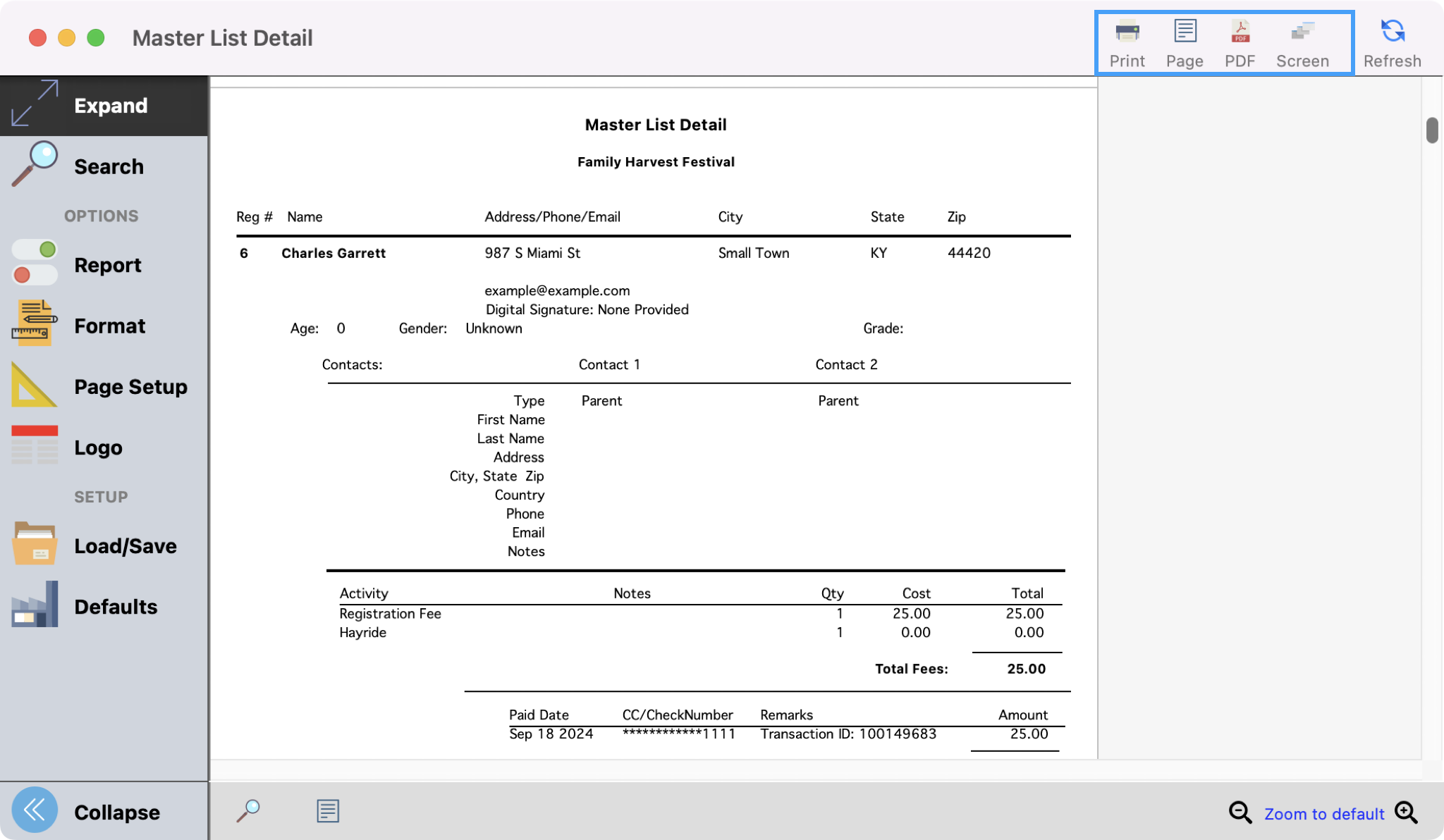
This version of the Master List report includes the information on the Master List report, plus any Activity registration, and detailed payment information. User Fields, Contact, and Activity Notes are optional.
-
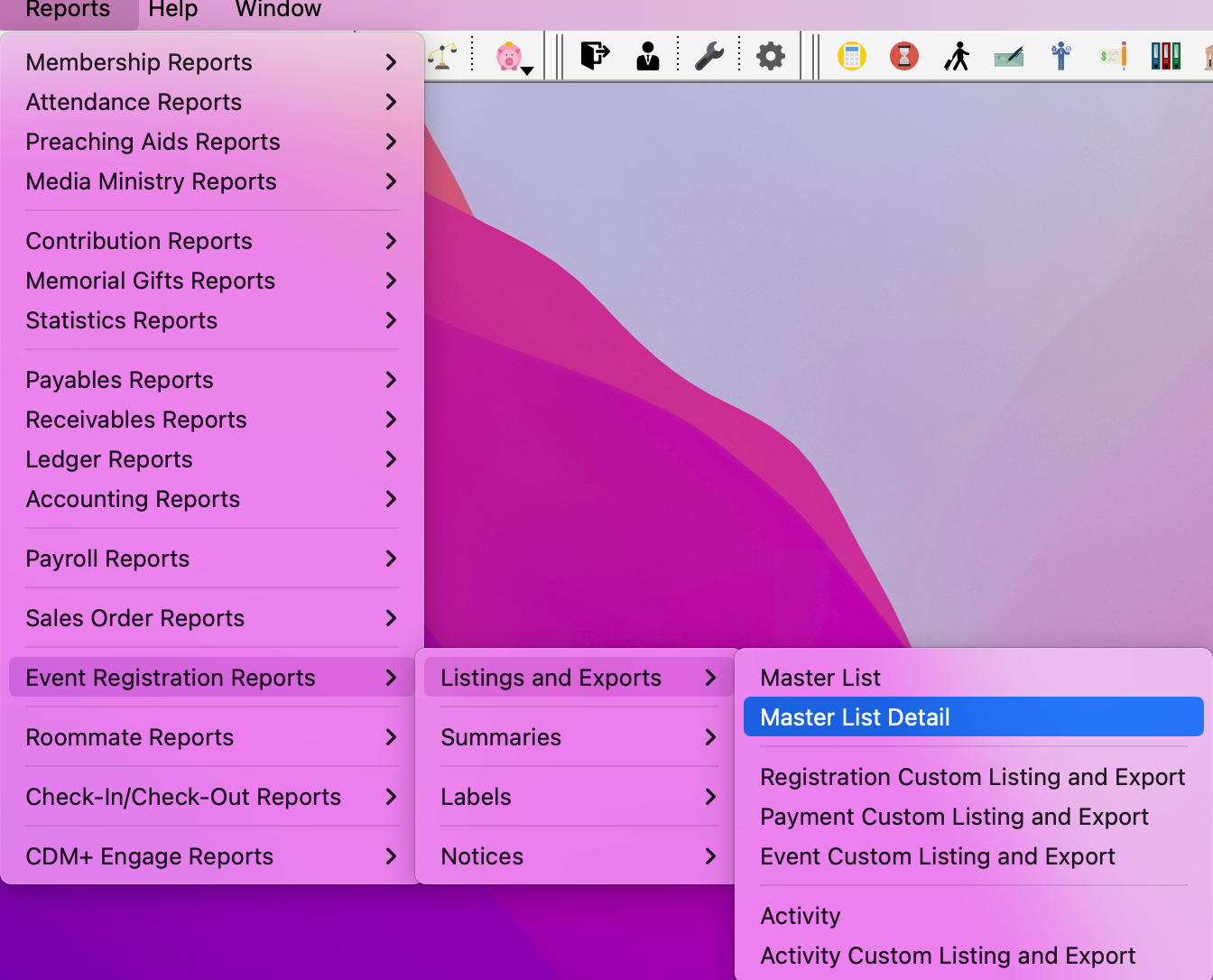
To navigate to this report, go to Reports → Event Registration Reports → Listings and Exports → Master List Detail.
-
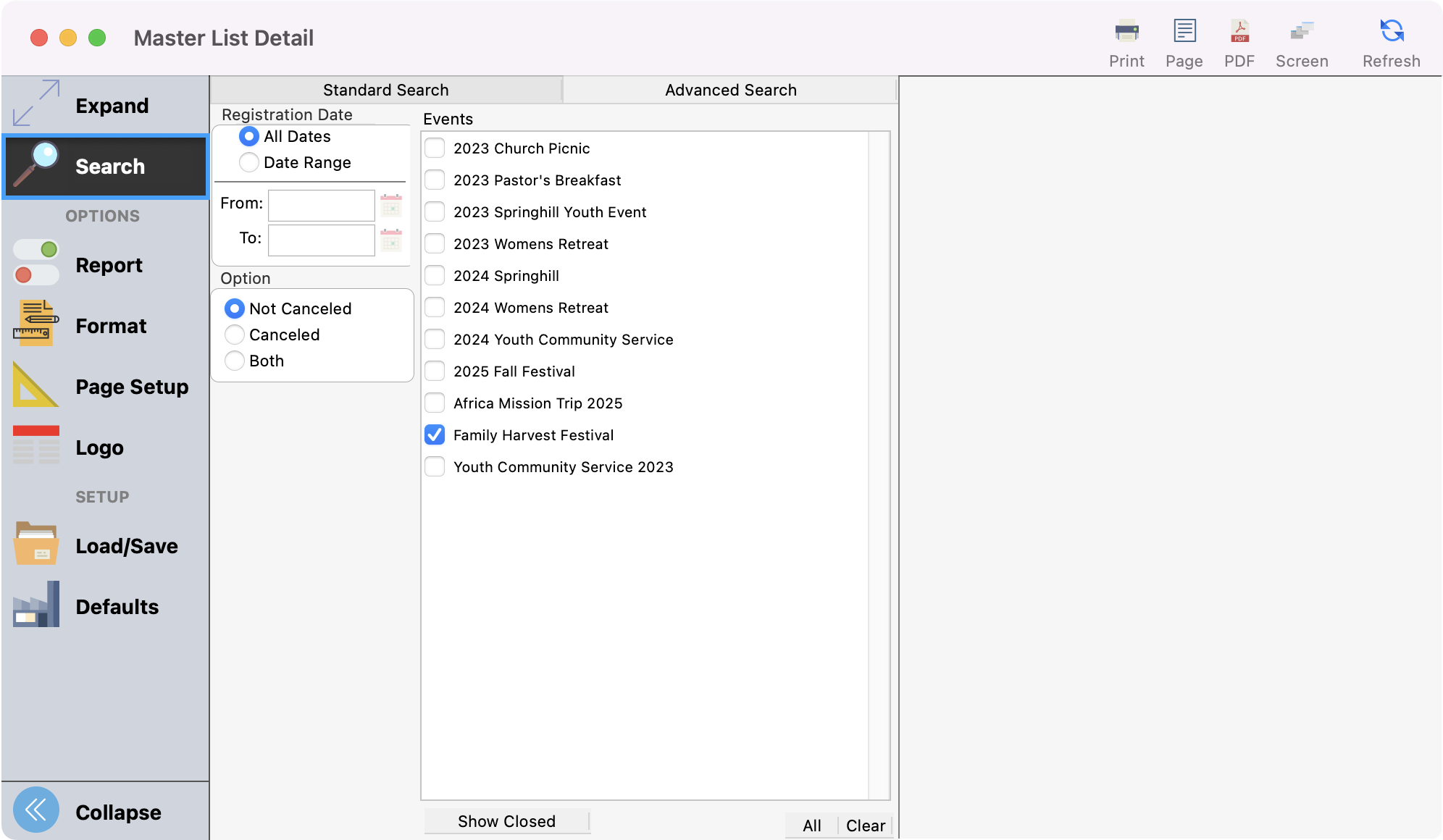
Under Search, select the Registration Date, Events, and Option for your event.
-
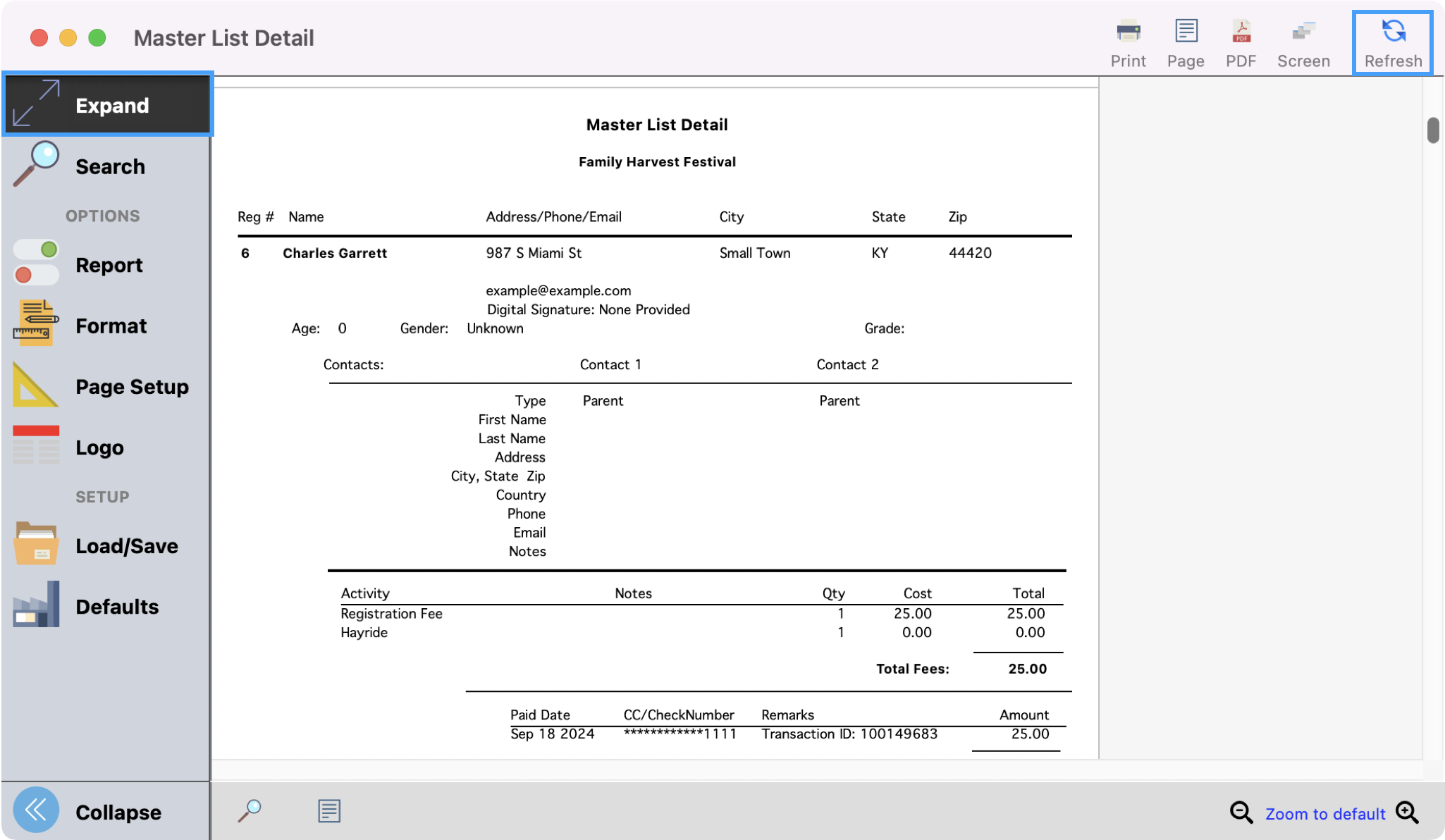
Review any Report or Format options that you wish to add or include. Once you have the report set up as you desire, click Refresh in the upper right-hand corner to see a preview of the report. You can also click on Expand from the left sidebar to see a larger preview.
-
Then print or export the report as you wish.