
Suran Systems, Inc. has developed an electronic voting solution that pulls data directly from your CDM+ database. A few days before arrival Suran will download a copy of your database to the server that will be used on-site for the voting sessions.
Prior to downloading a copy of your data it is important for any ministers who are ineligible to be elected to any board be marked in CDM+ as such. On the COG Minister tab in Individual records there is a checkbox to indicate this status.
Typically, this list will be those individuals who cannot be elected due to non-reporting and ministers who are on staff at the state office. Do not mark an individual who cannot be elected to a specific board due to tenure.
👤 Individual Record
The following fields on Individual Records affect who can vote and who can be a candidate.
|
Field |
Use |
|---|---|
|
Minister |
Must be a minister to be eligible |
|
Minister File # |
The voting number that is used |
|
Do Not Print |
Automatically makes them ineligible for election |
|
Ineligible for Election |
When checked the minister is ineligible for election on ALL BOARDS |
|
Rank |
Is used to set filters for specific boards |
 To Do
To Do
- Get a list of ineligble ministers
- Check the Ineligible for Election box for minister’s that are found to be ineligible for ALL BOARDS
- Print report for ministers that are found to be ineligible for ALL BOARDS
- Print report for ministers
- Make note of minister’s who are not eligible for specific boards and give that to CDM+ the day of voting.
📘 Marking Minister as Ineligible for All Boards
-
Open up Individual Records
-
Click Find on the left side bar
-
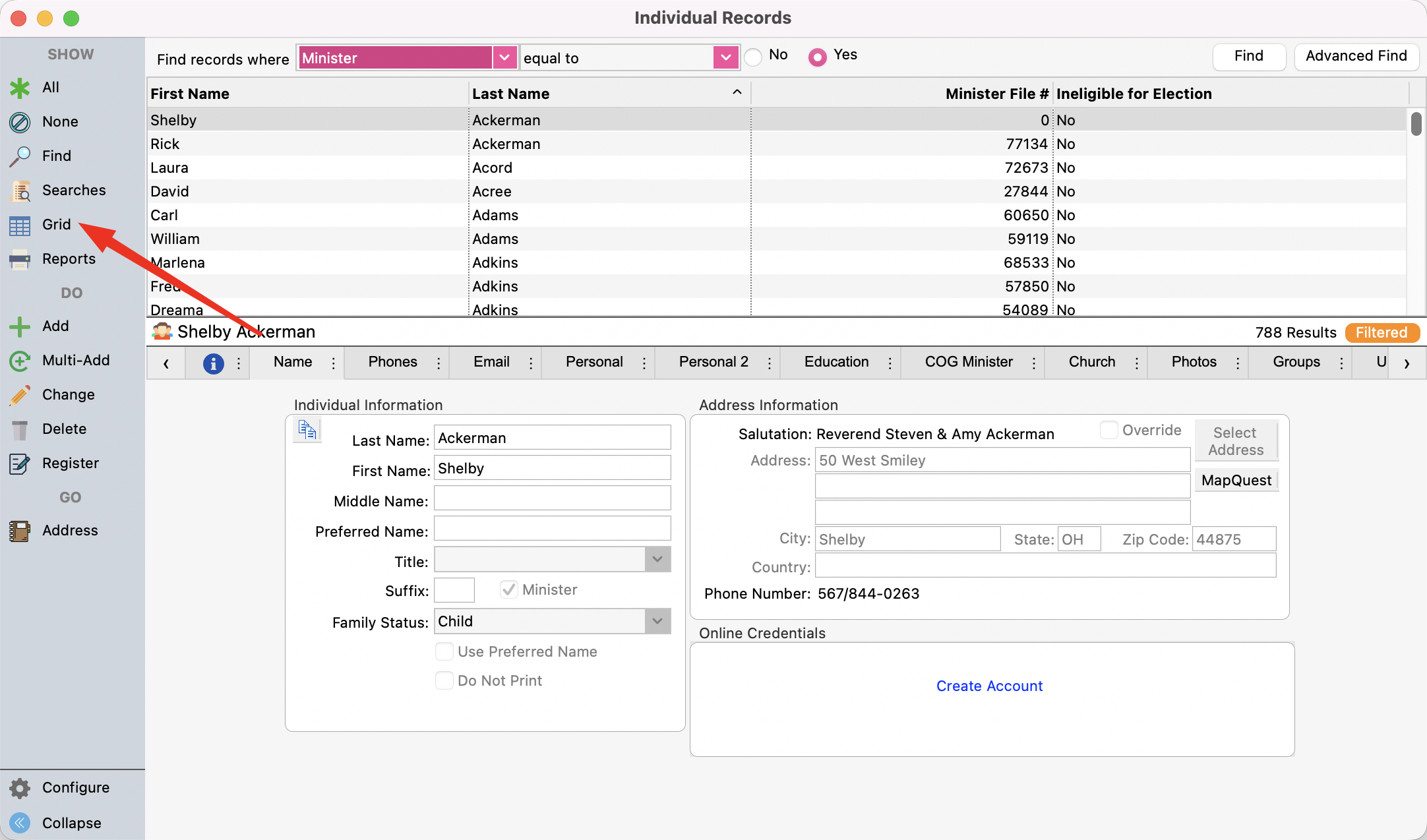
Search for Minister’s equal to Yes then click Find
-
Click on Grid on the left sidebar
-
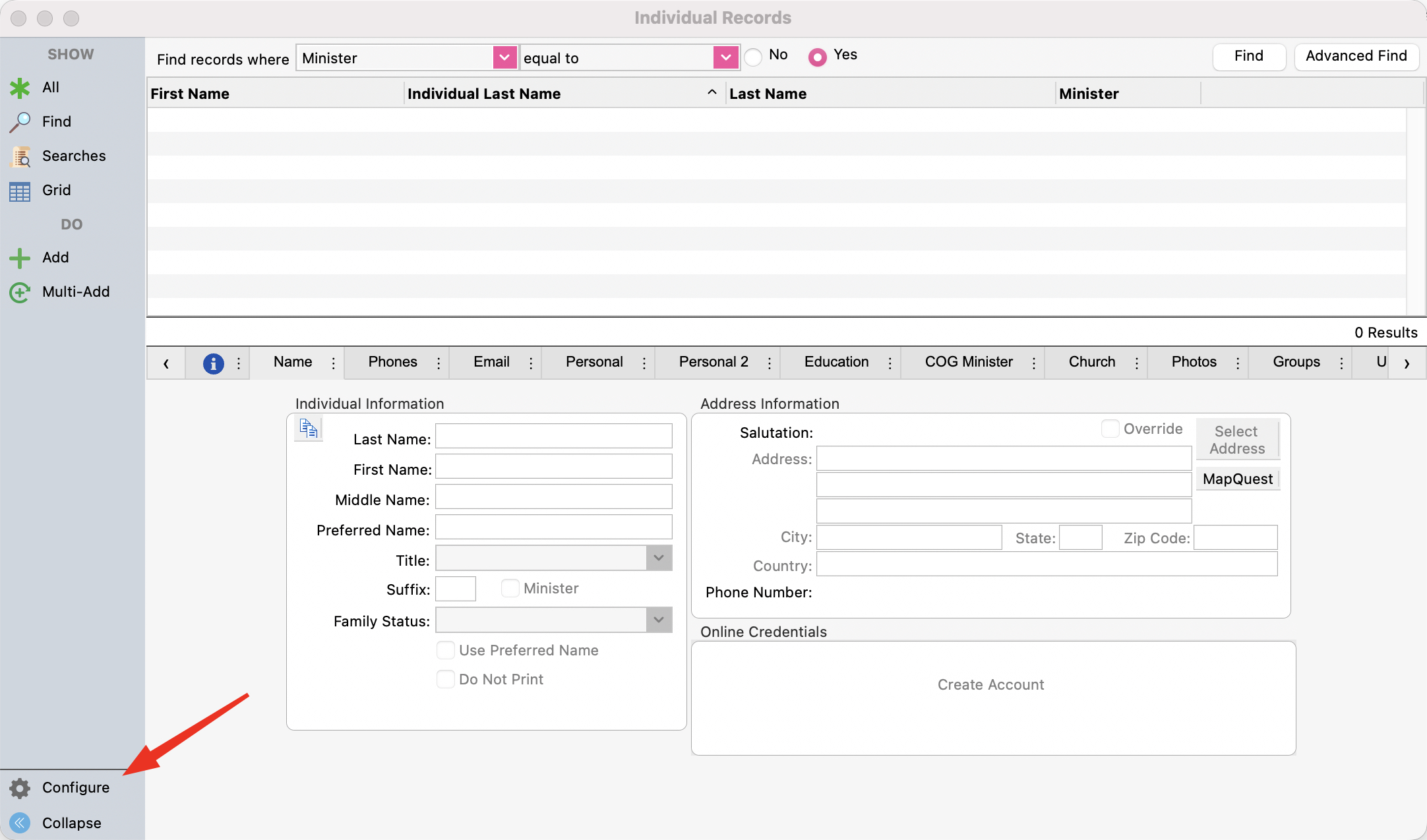
Once the grid opens, click Configure on the bottom left of the window
-
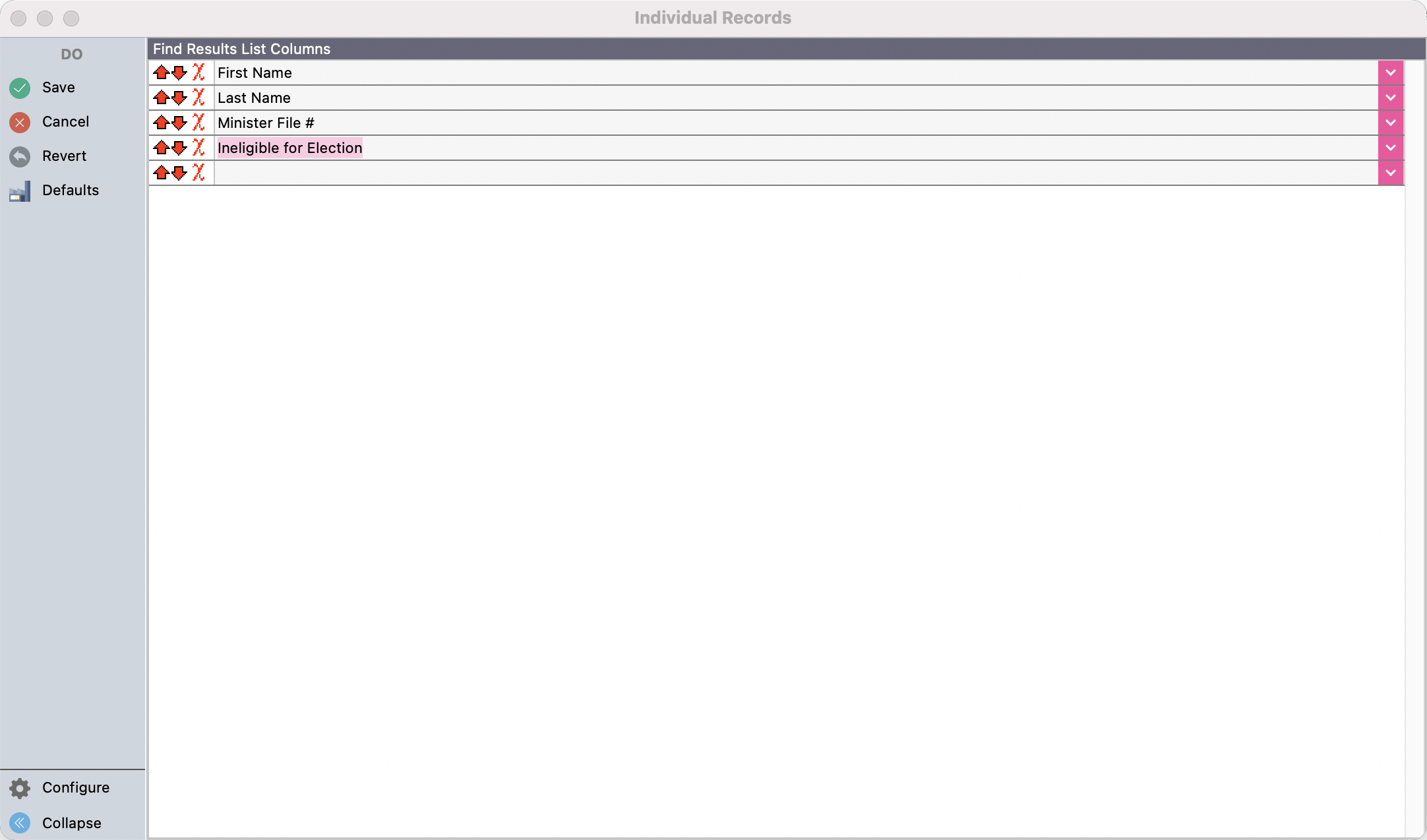
Choose the fields First Name, Last Name, Minister #, Ineligible for Election
-
Save
-
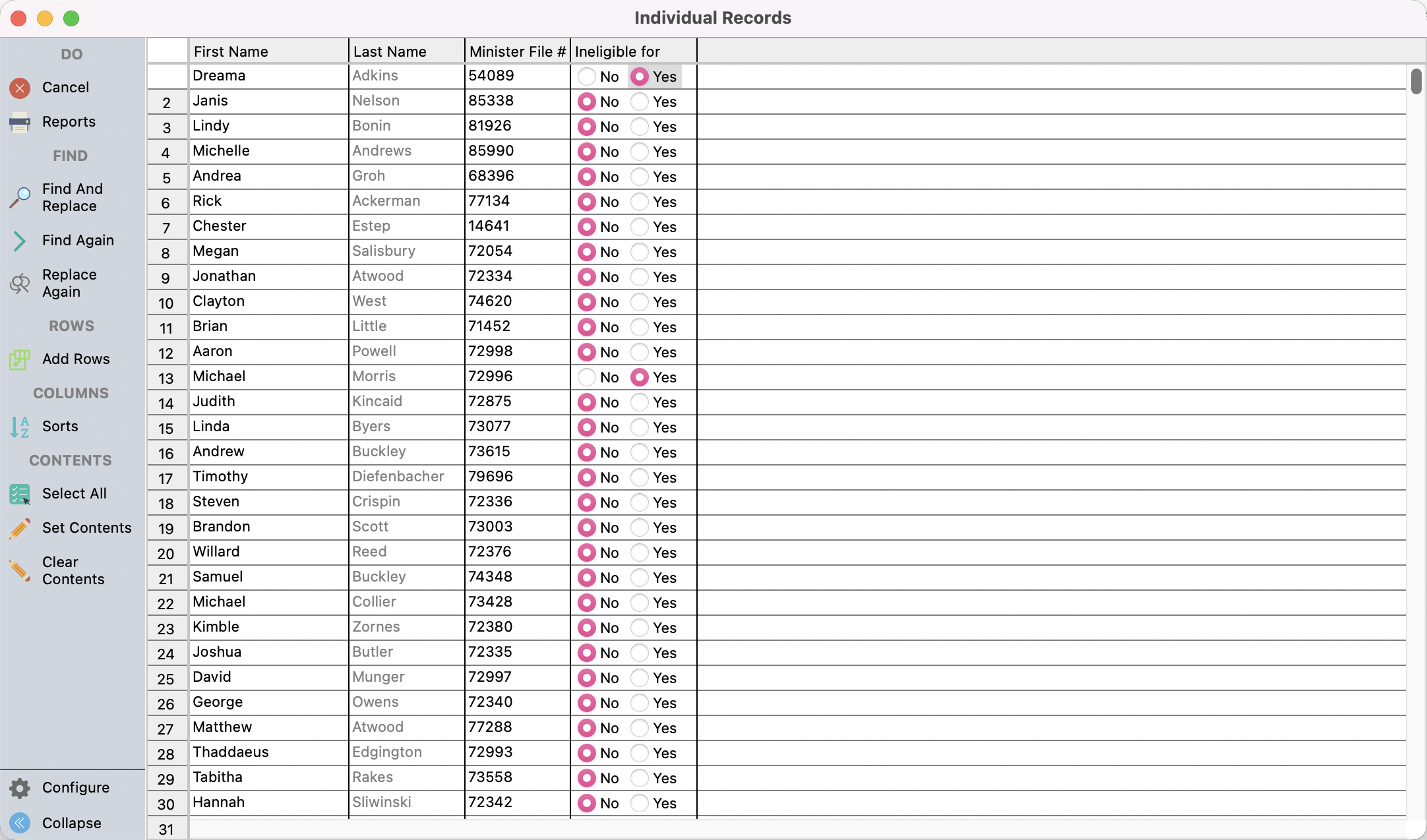
You will see the list of minister’s. Mark the ones that are ineligible for election as Yes
-
Save
🖨️ Printing Report
-
Reports > Membership Reports > Listing and Exports > Individual Custom Listing and Exports
-
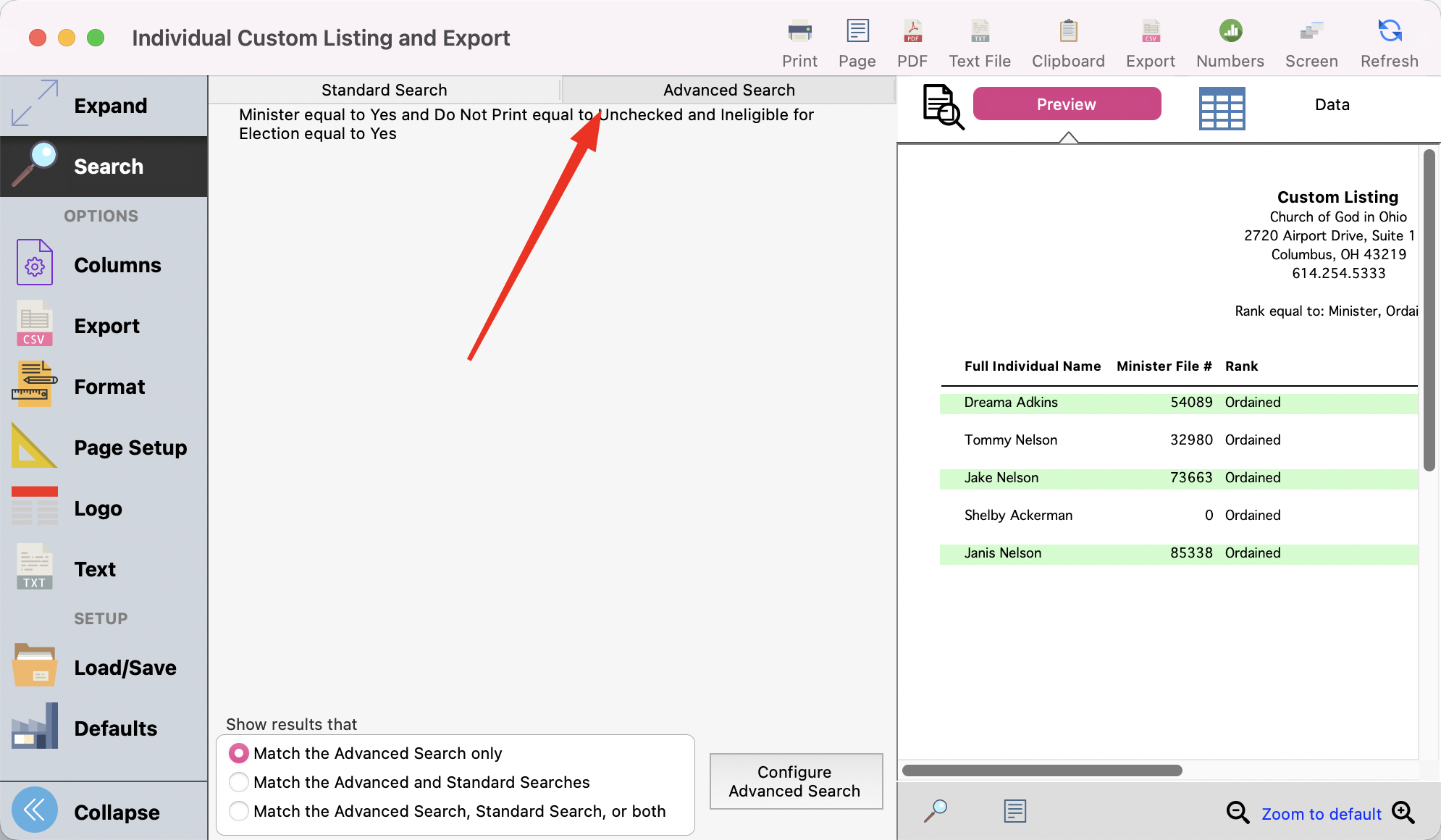
Click on Advanced Search
-
Click on Configure Advanced Search
-
Set your search the following way
-
Minister > Equal to > Yes
-
Do Not Print > Equal to > No
-
Ineligible for Election > Equal to > No
-
-
Click Ok
-
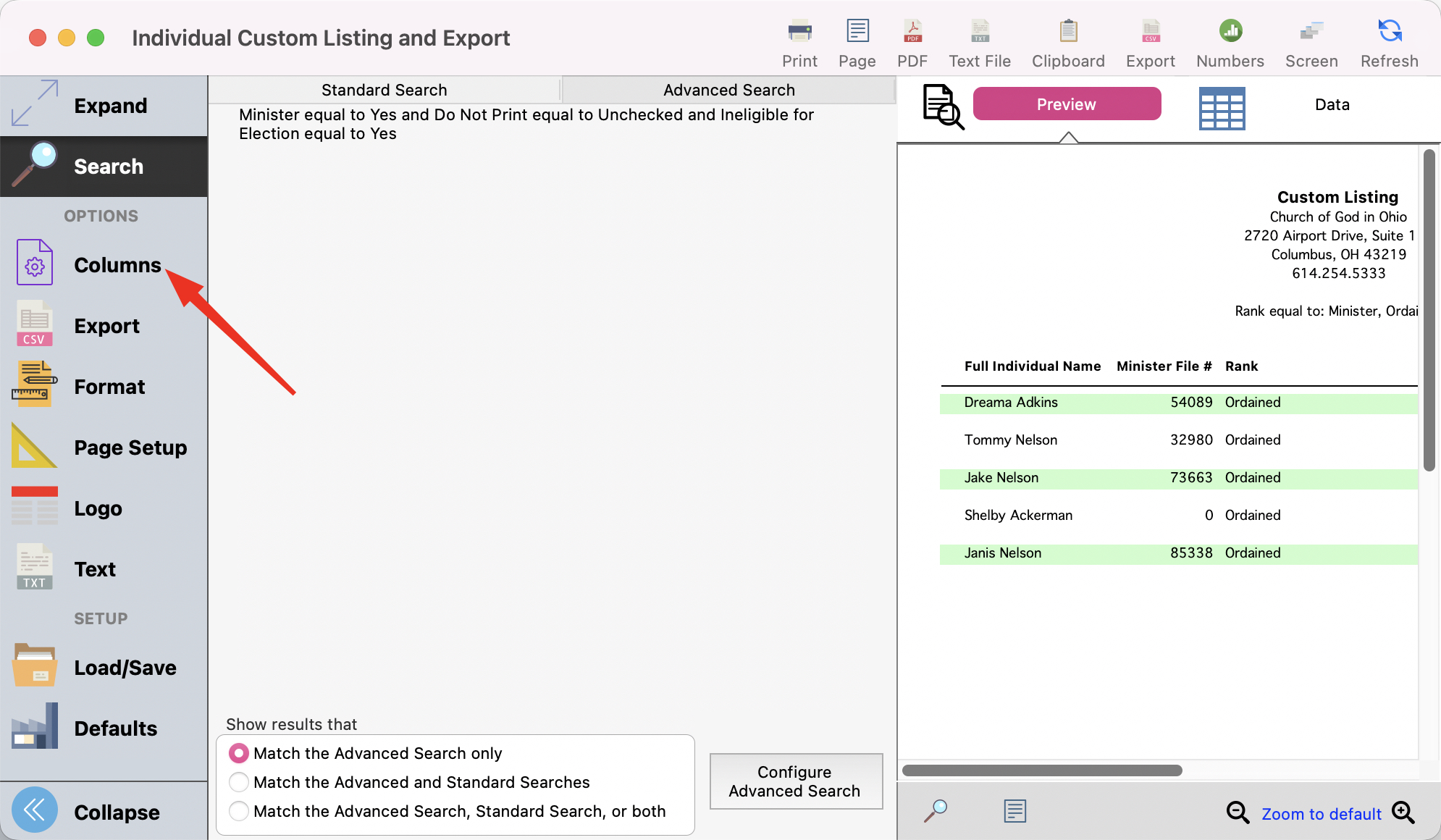
Click on Columns on the Left
-
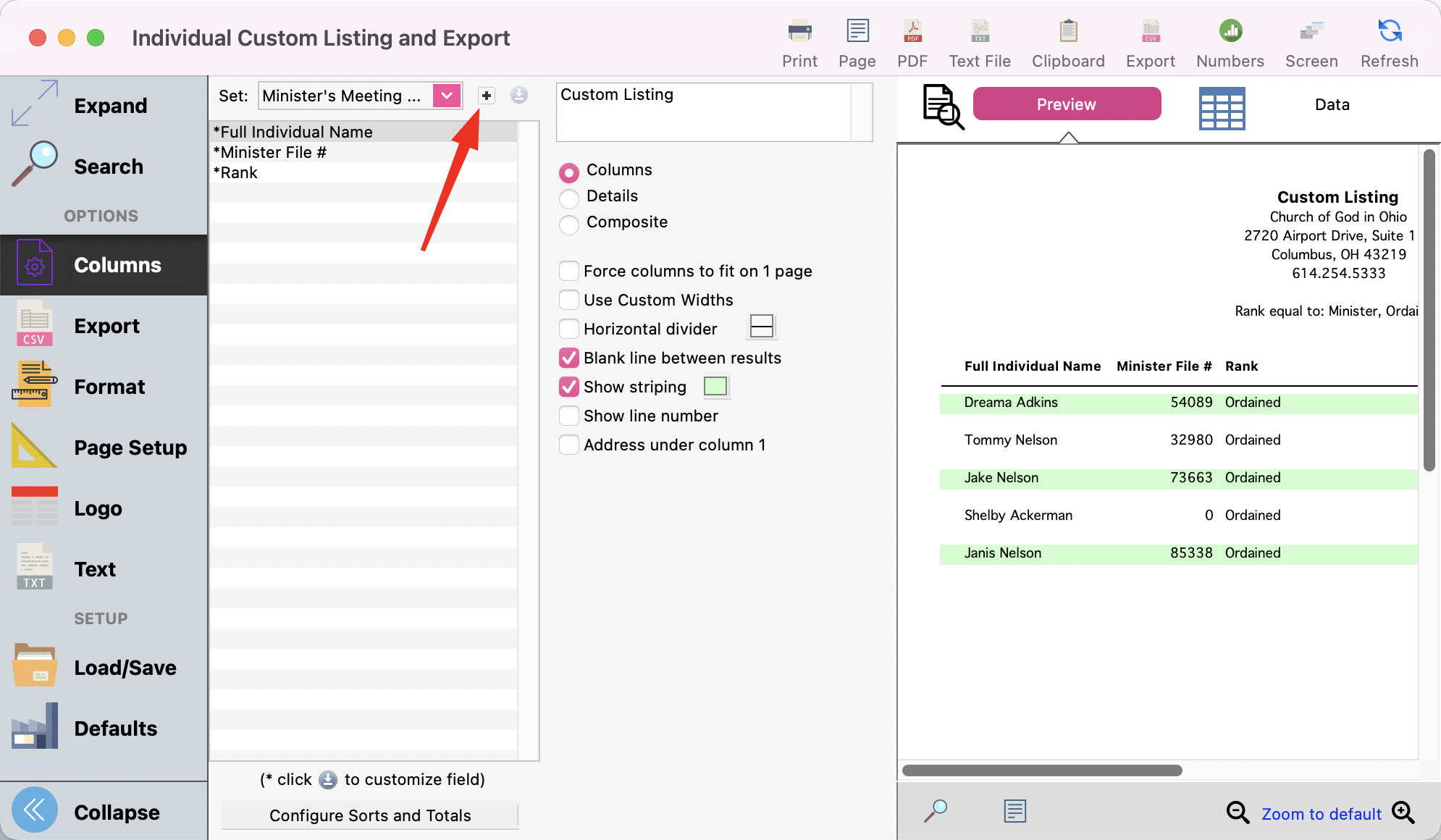
Add a new set
-
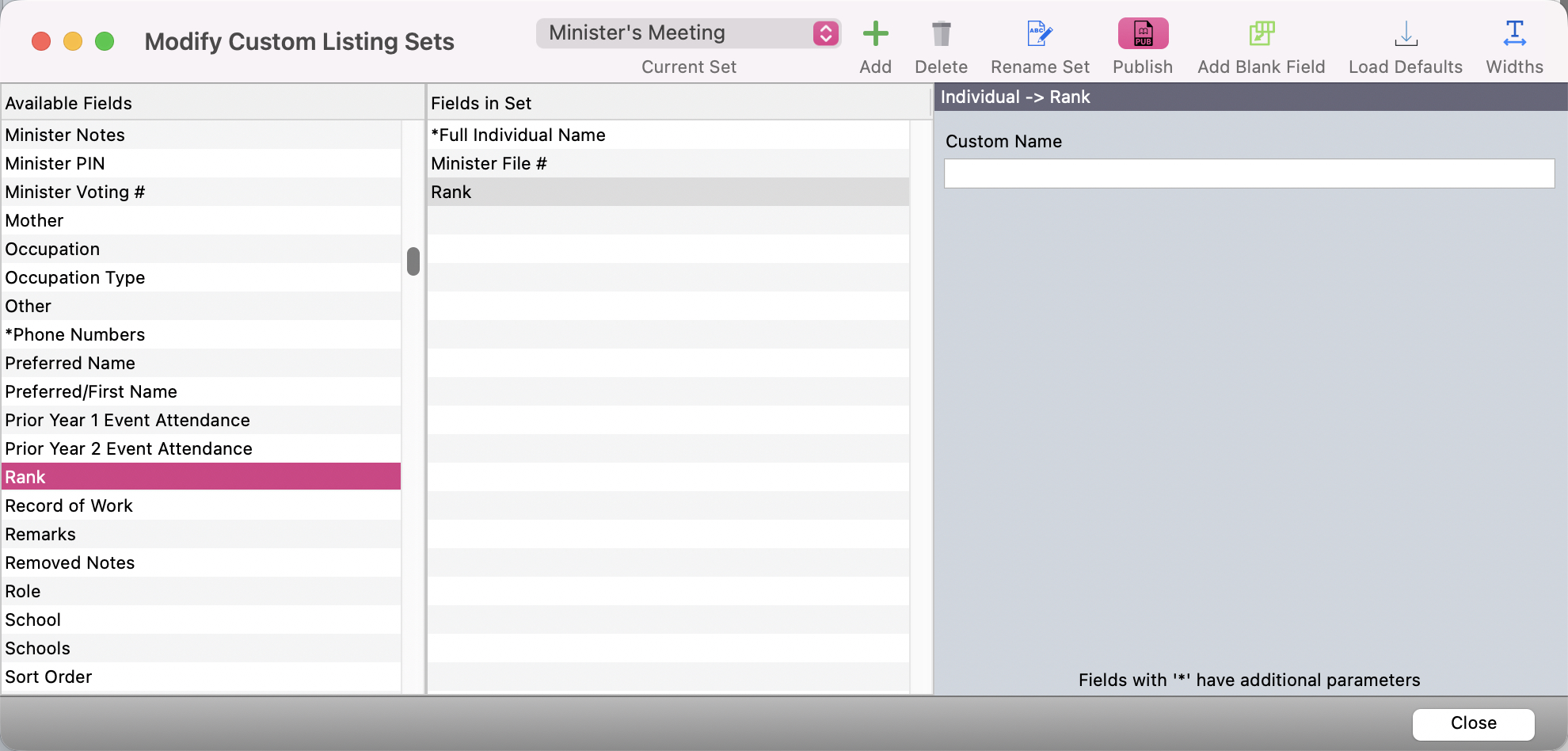
Set your listing to show the following fields by double clicking on the far left column to move them to the middle column.
-
Full Individual Names
-
Minister File #
-
Rank
-
-
Close
-
Print