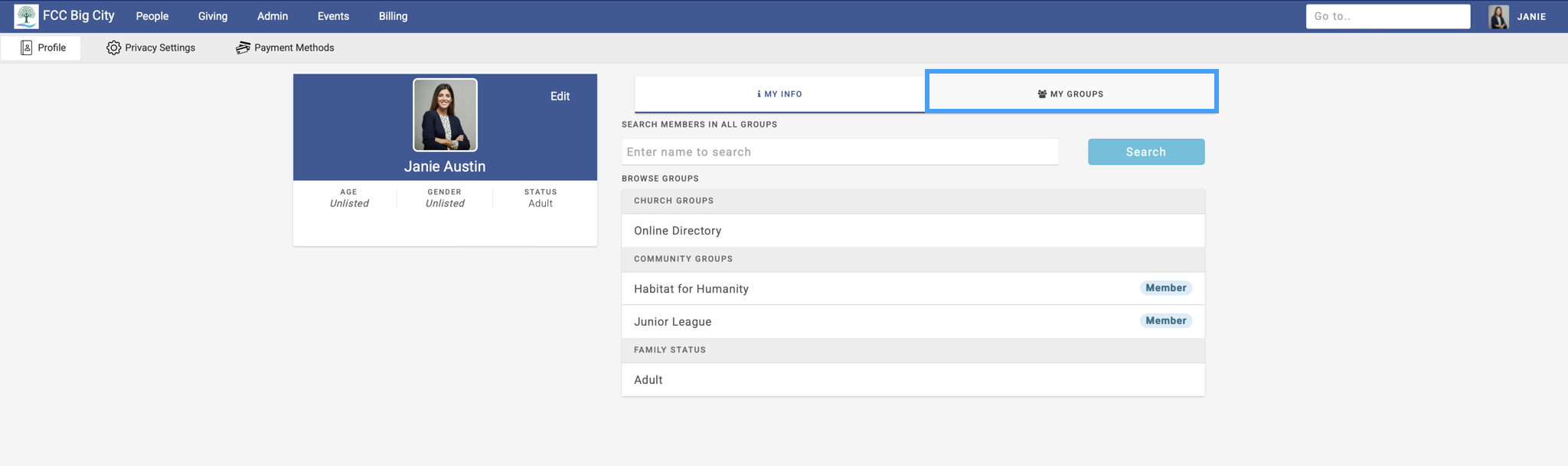
You can see your organization’s public groups and/or the groups you are a part of in two locations.
First, from under the My Groups tab under your Profile.
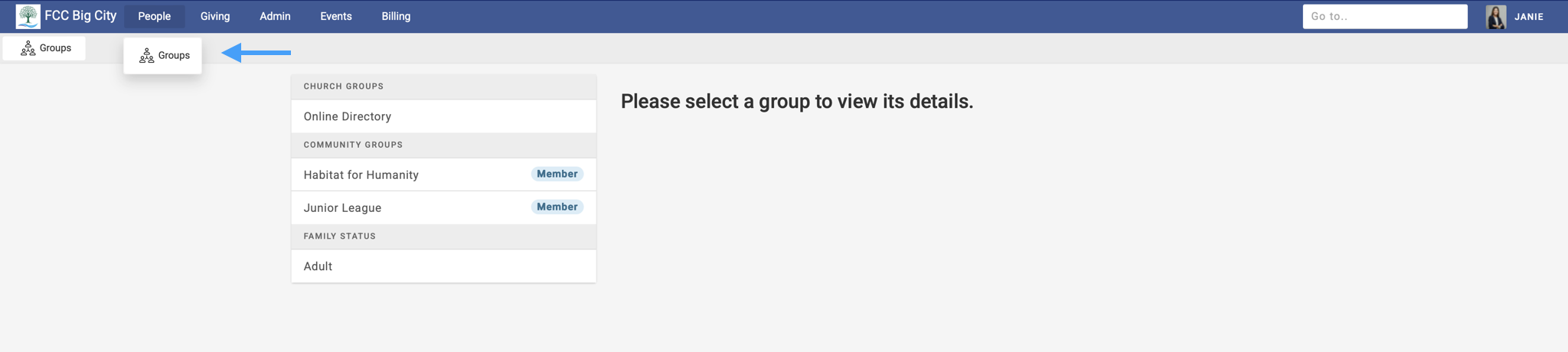
Secondly, by going to People → Groups.
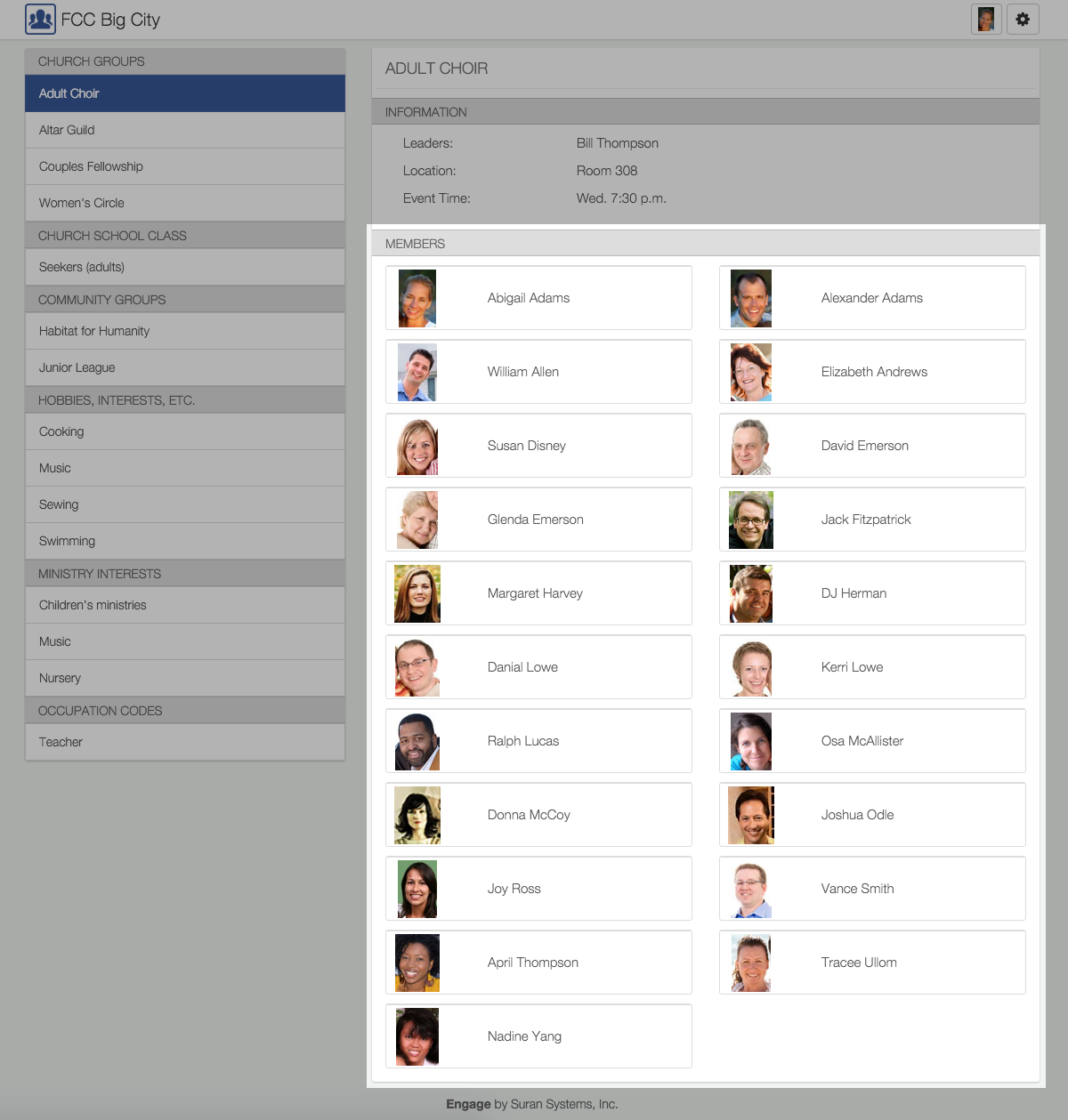
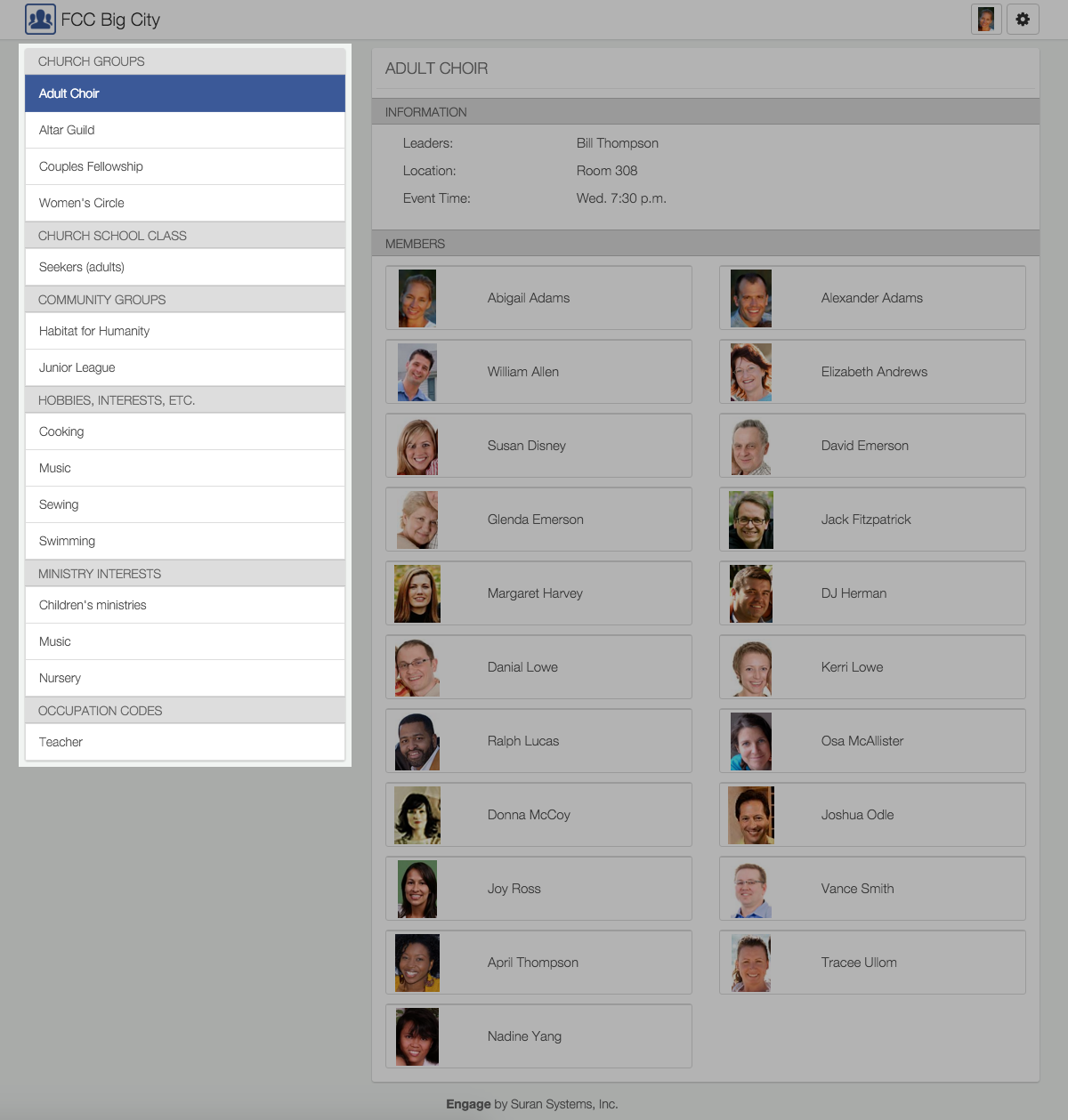
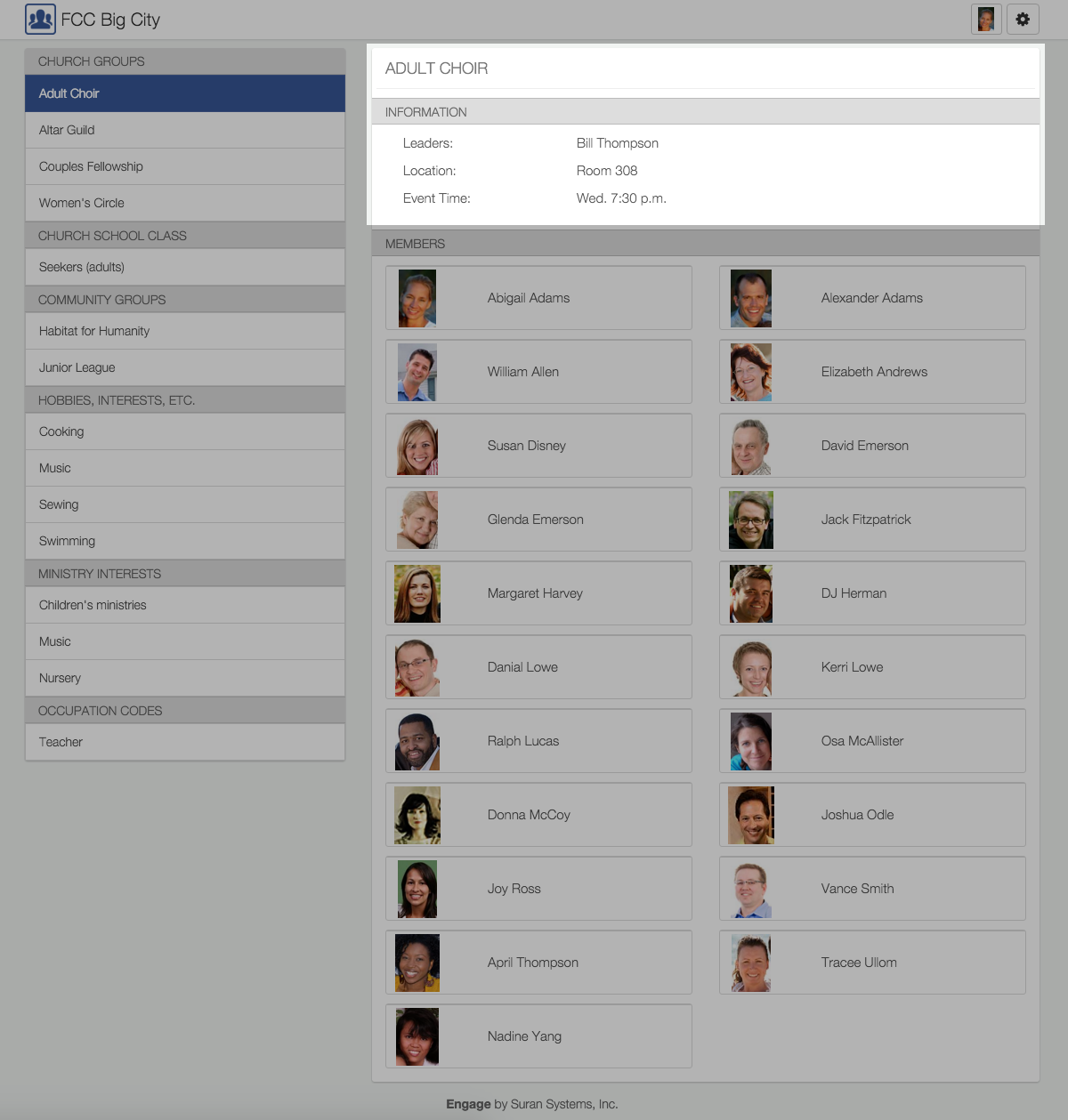
From the Groups page, individuals can view:
-
A list of groups they are a member of
-
Information about a selected group
-
Other members in the selected group