Skip table of contents

Viewing Individuals

To view an individual:

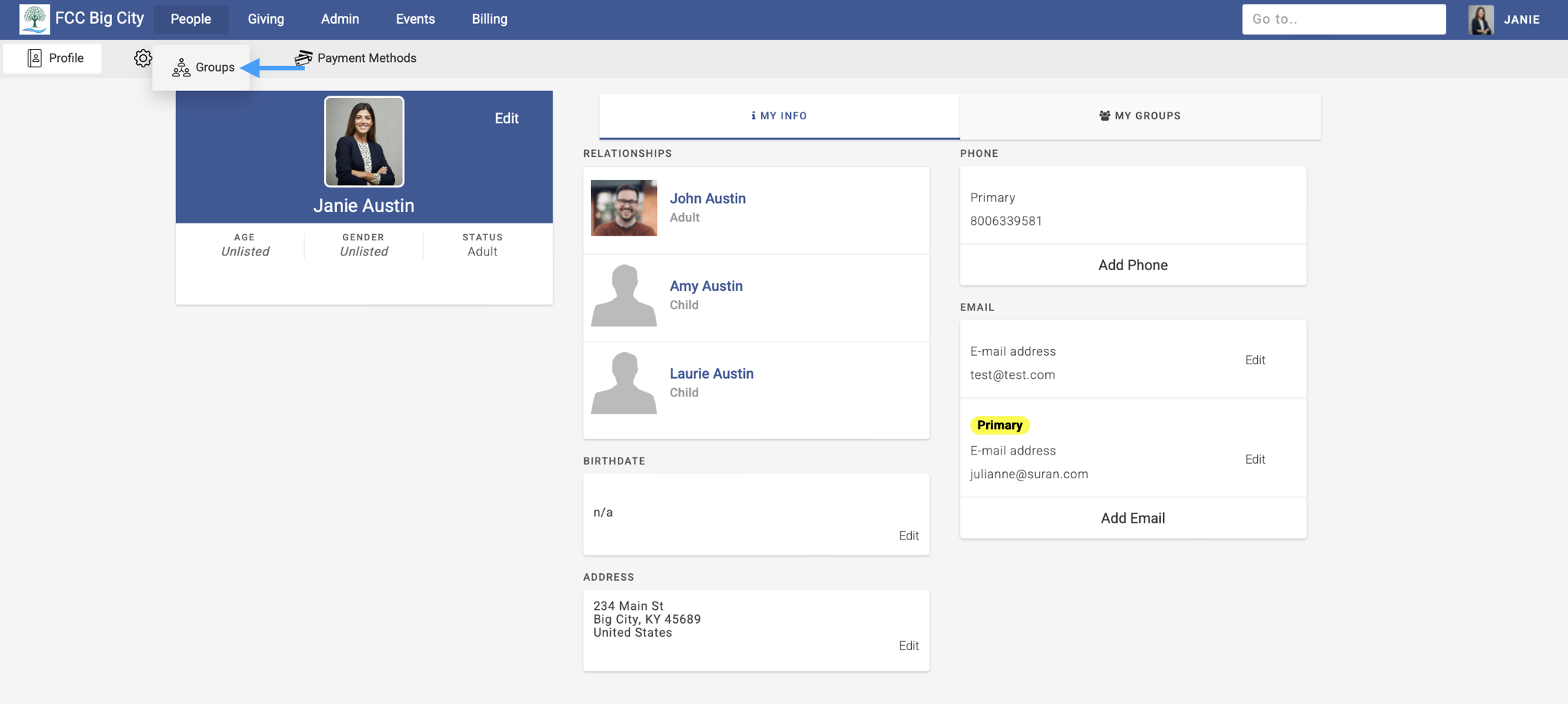
  1. Go to PeopleGroups.

    Engage with an arrow pointing to groups under the people submenu.

  2. Click the name of a group on the right and then select an individual. You can also use the search bar to type to search for an individual.
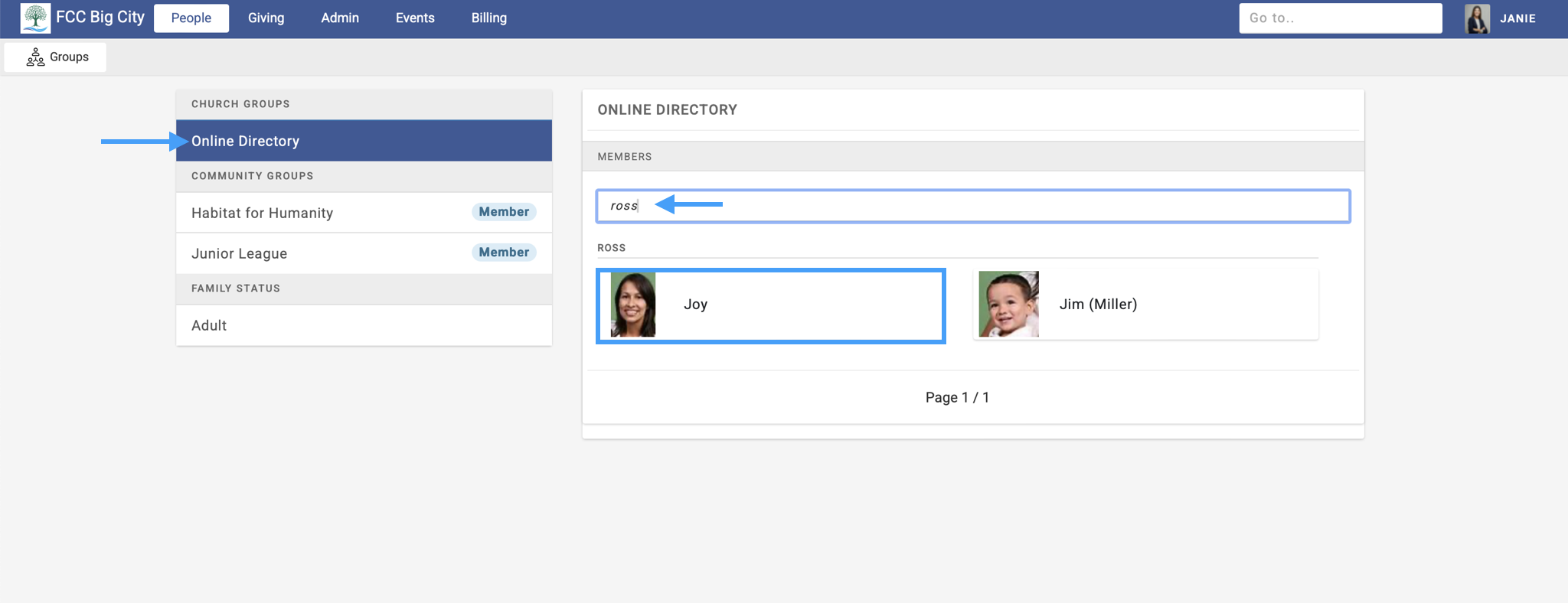
    Engage Group page with an arrow pointing to the name of the group on the right, an arrow pointing to the search option in the middle, and an individual record highlighted.

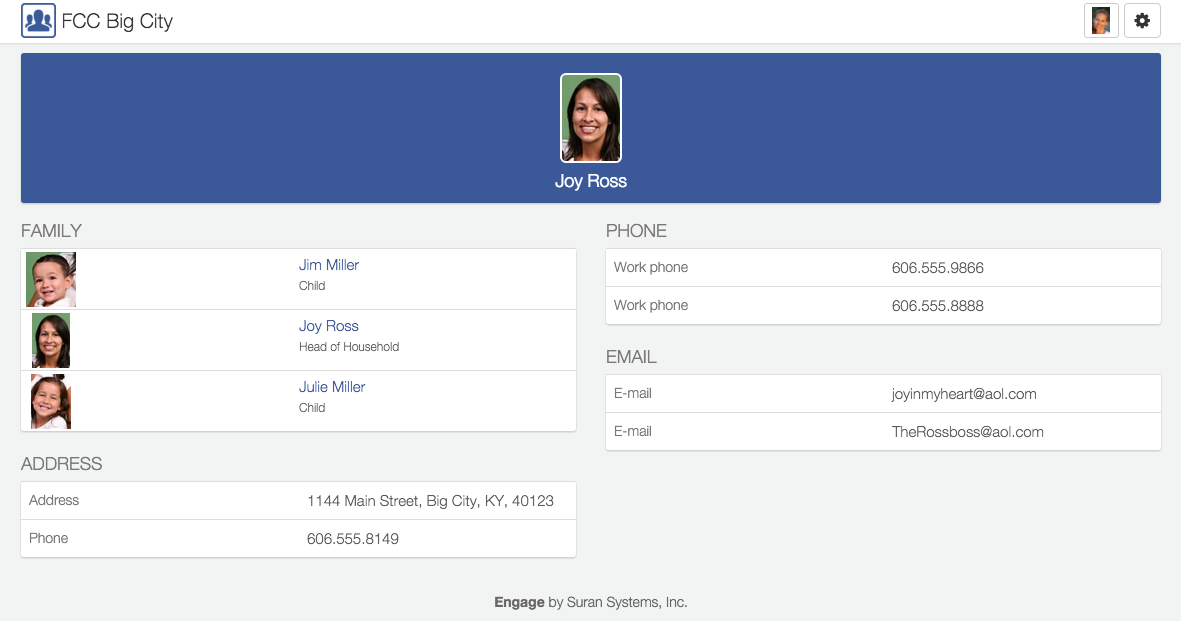
  3. On an individual's page you can:

  • Send them an email. When you select an email address, it will open up your device's native mail client.

  • Call them. On mobile, when you select a phone number it will automatically start dialing that number.
JavaScript errors detected

Please note, these errors can depend on your browser setup.

If this problem persists, please contact our support.