
There are several helpful reports you can use to see and track data for Accounts Receivable. Here are a few examples.
Invoice Summary
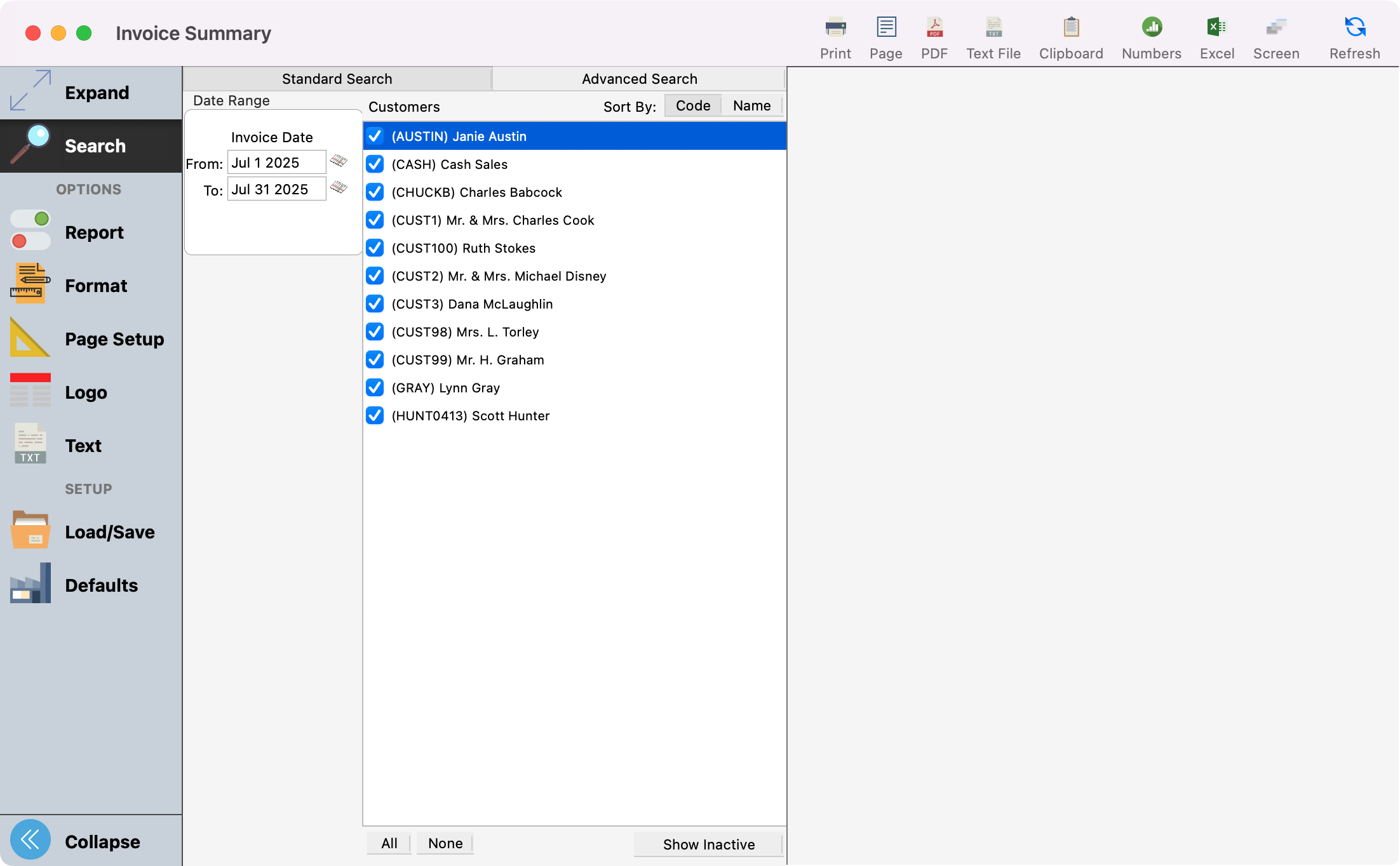
Provides a list of invoices for the date range and customers selected. You can sort this by date or customer.
-
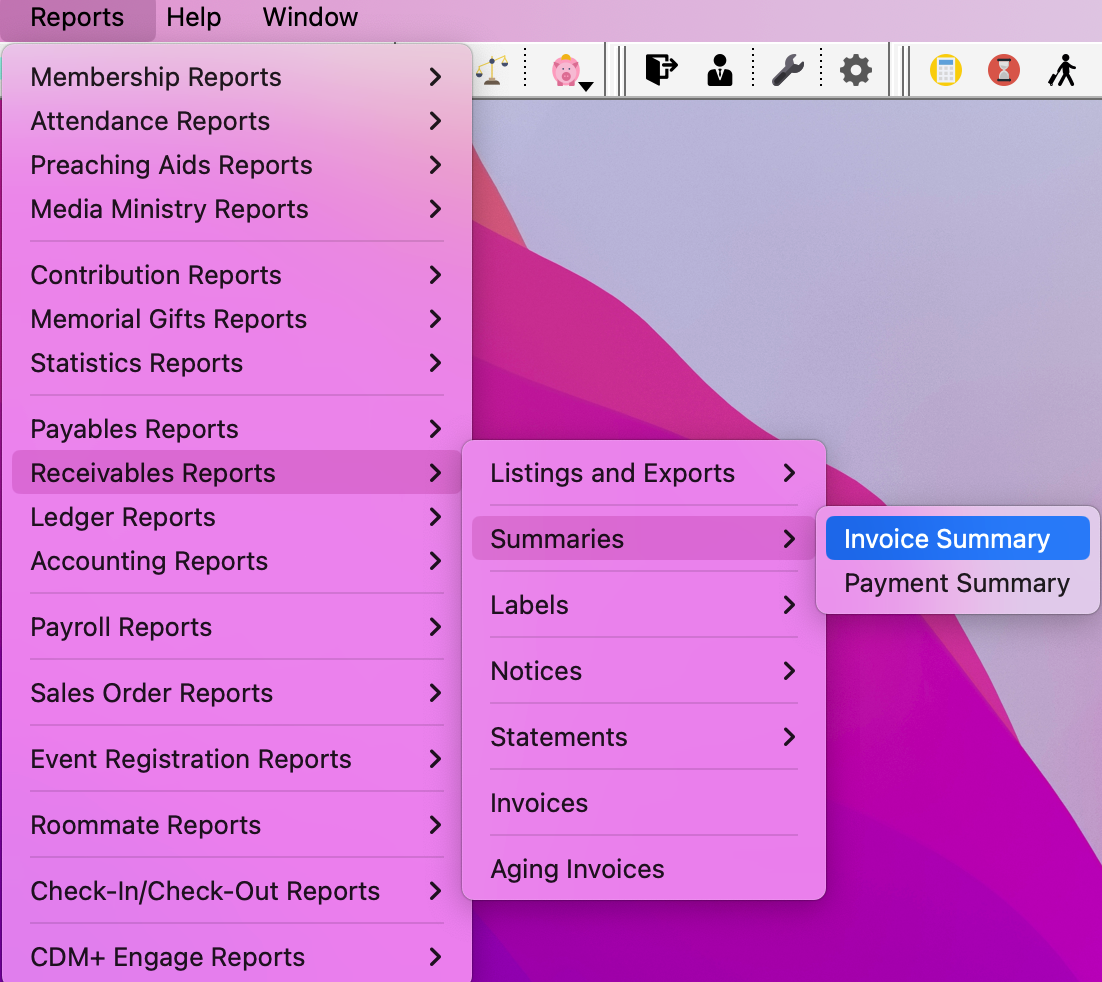
Go to Reports → Receivable Reports → Summaries → Invoice Summary
-
Payment Summary
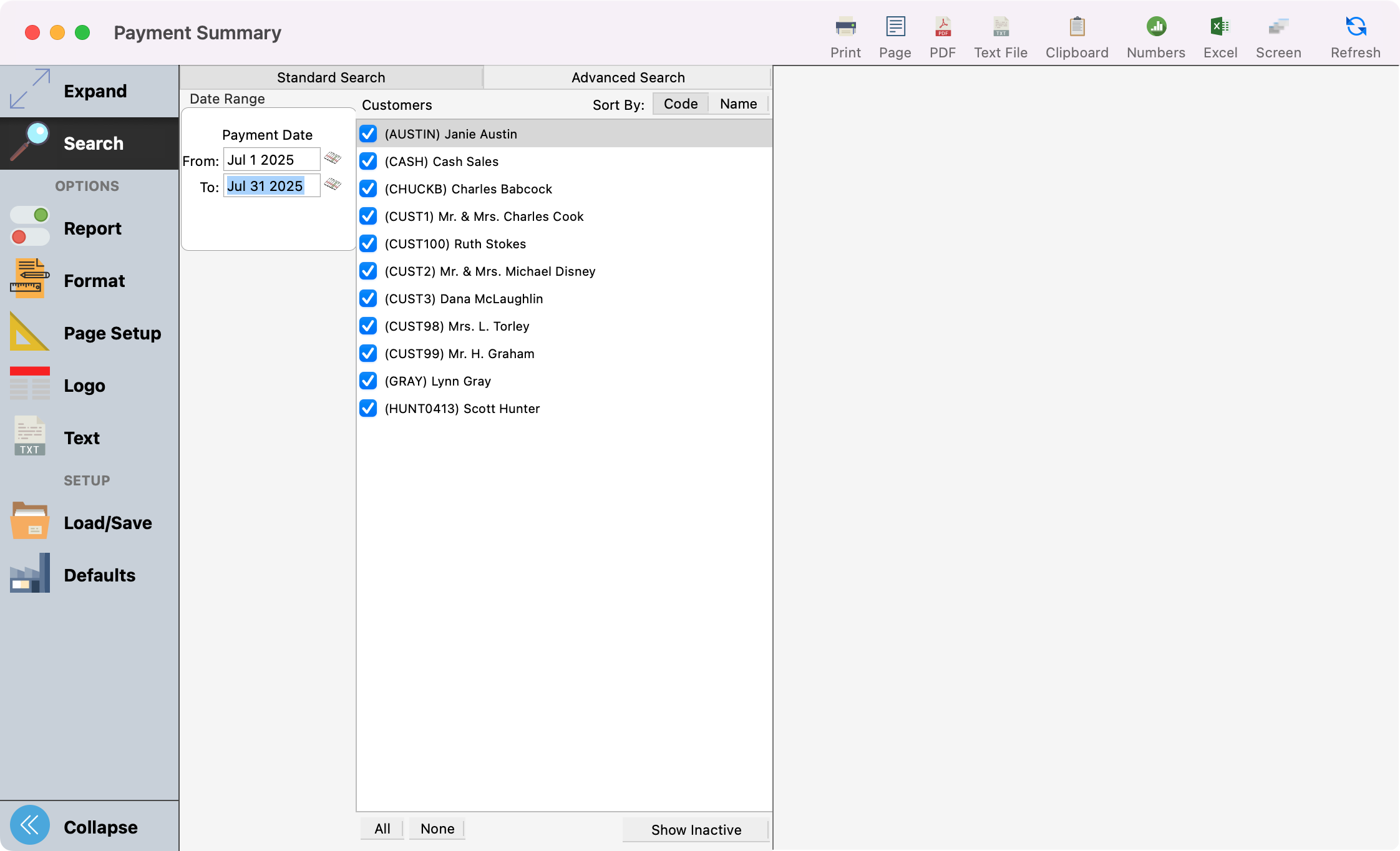
Provides a list of payments that have been entered for the date range and customers selected. You can sort this by date or customer.
-
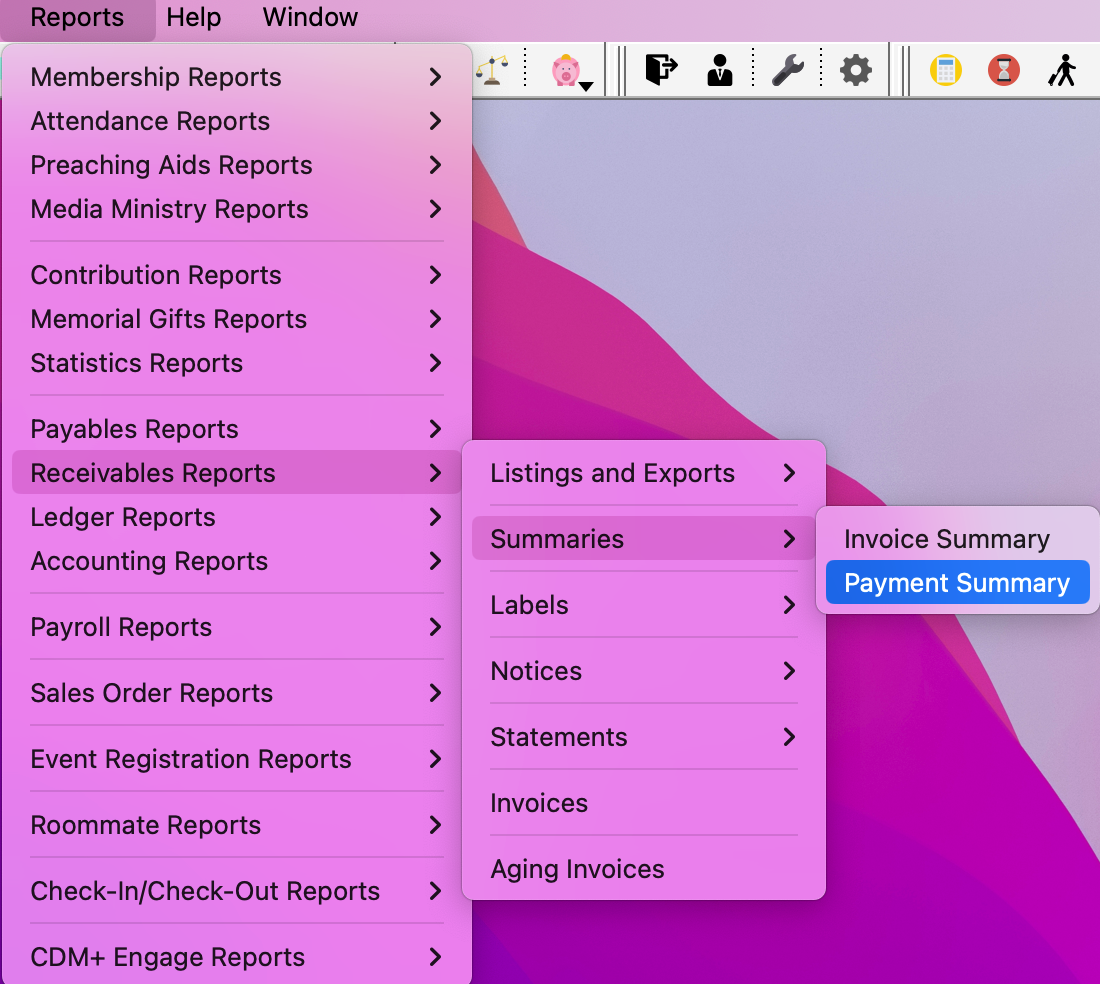
Go to Reports → Receivables Reports → Summaries → Payment Summary
-
Aging Invoices
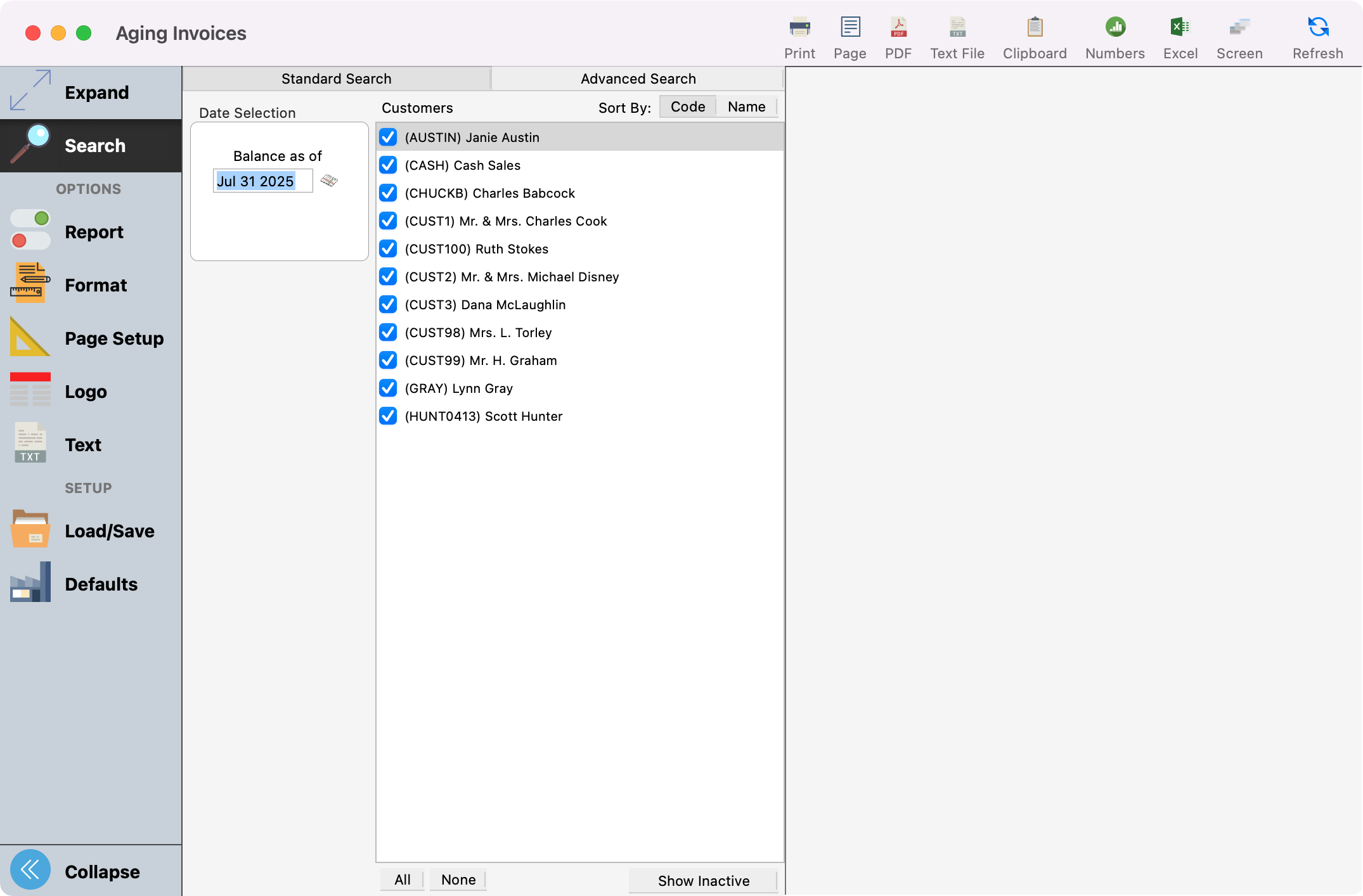
List the invoices created and provides their balance giving you a total due per customer.
-
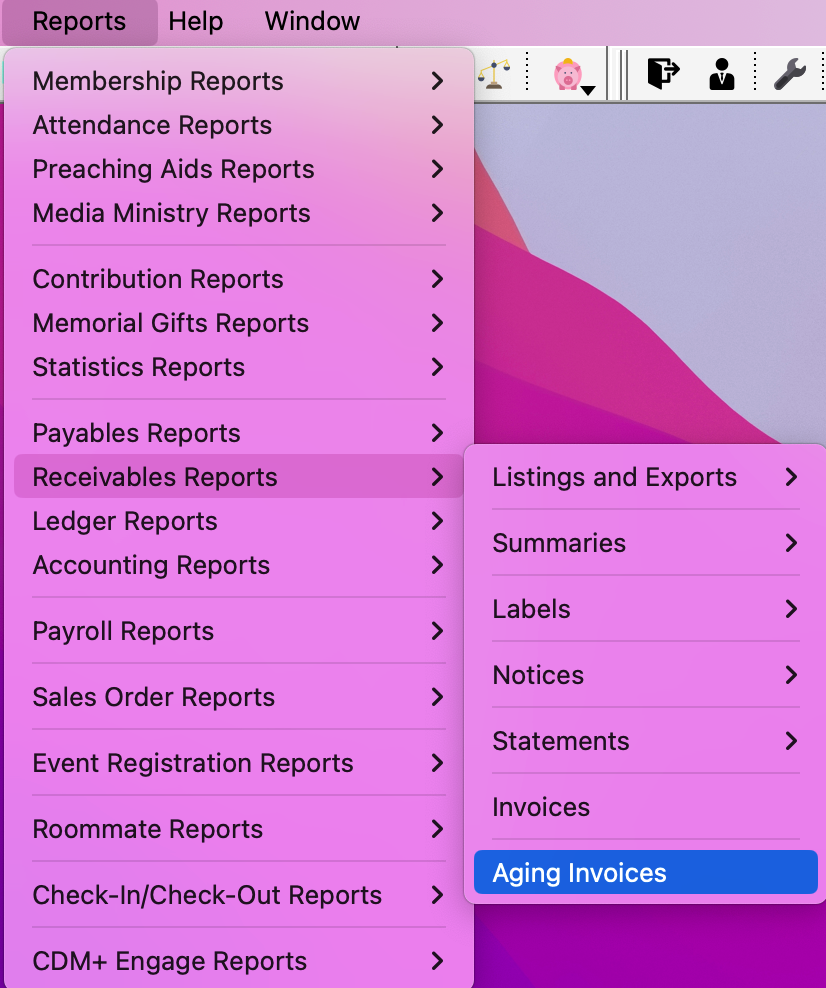
Go to Reports → Receivables Reports → Aging Invoices
-
For tips and tricks for how to customize your reports, check out Report Setup Window.