
Problem
When installing CDM+ the following message appears:
CDM+ cannot be installed on the following Windows versions: Windows XP x86 Service Pack 3, Windows Server 2003 x86 Service Pack 2, Windows Vista x86, Windows 7 x86 , Windows 8 x86
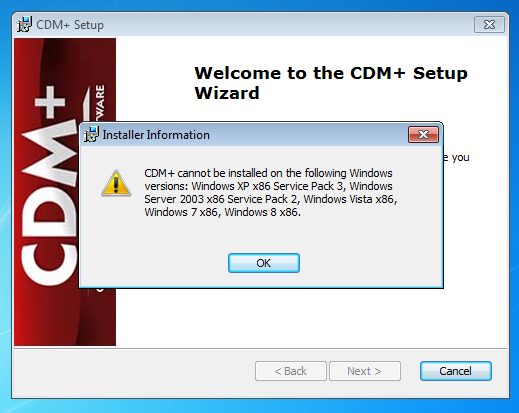
CDM+ cannot be installed on the following Windows versions: Windows XP x64 Service Pack 2, Windows Server 2003 x64 Service Pack 2, Windows Vista x64, Windows 7 x64 ,Windows Server 2008 R2 x64, Windows 8 x64, Windows Server 2012 x64
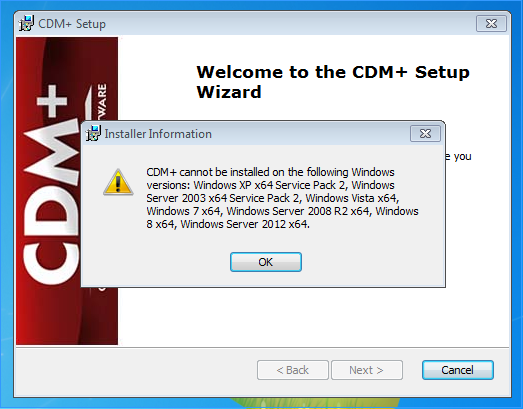
However, you are running Windows 7 or 8 and these are listed in the CDM+ System Requirements.
Solution
Update to Windows 7 Service Pack 1 or Windows 8.1. Run Windows update to install those updates, then re-install CDM+.