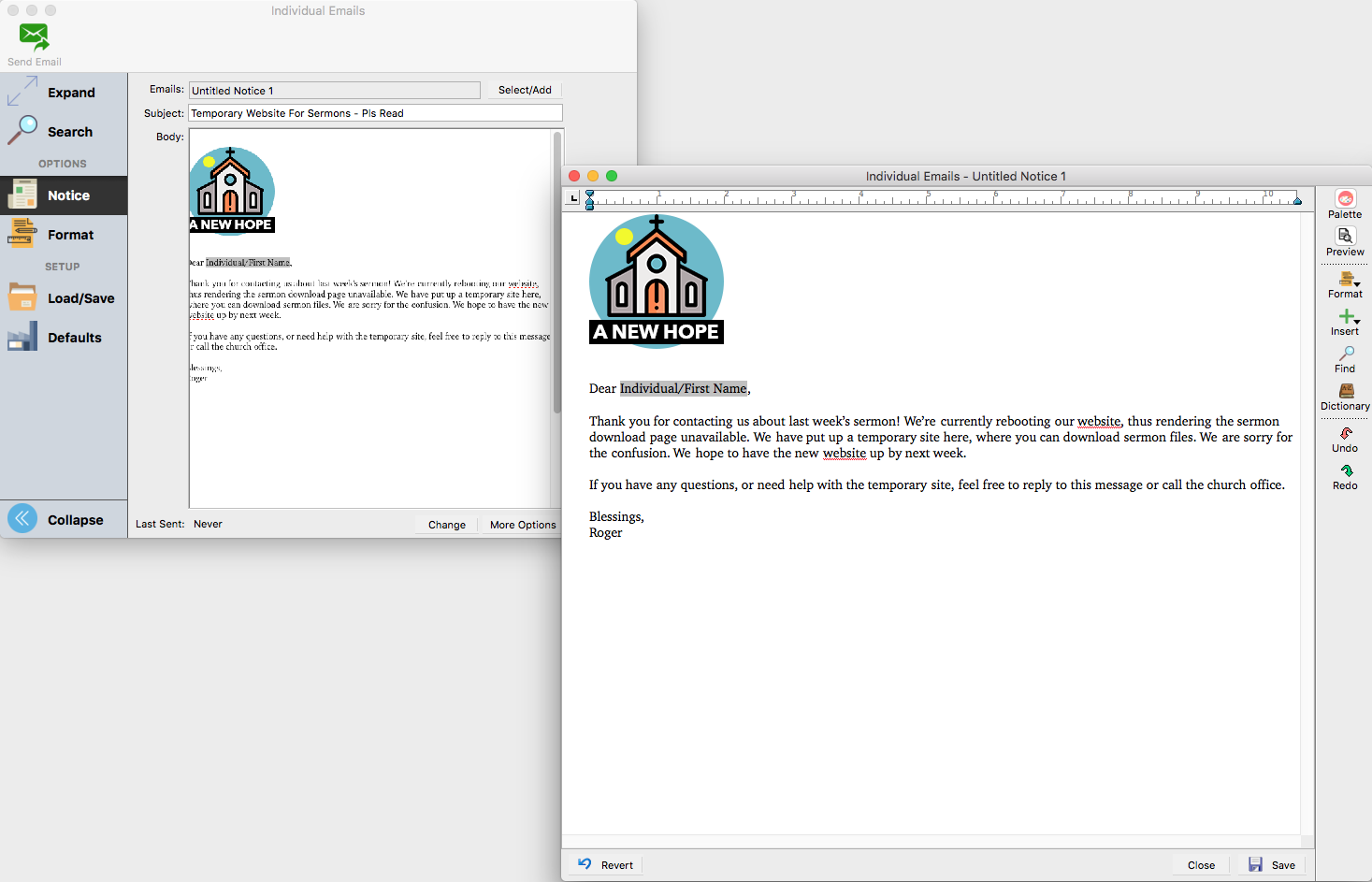
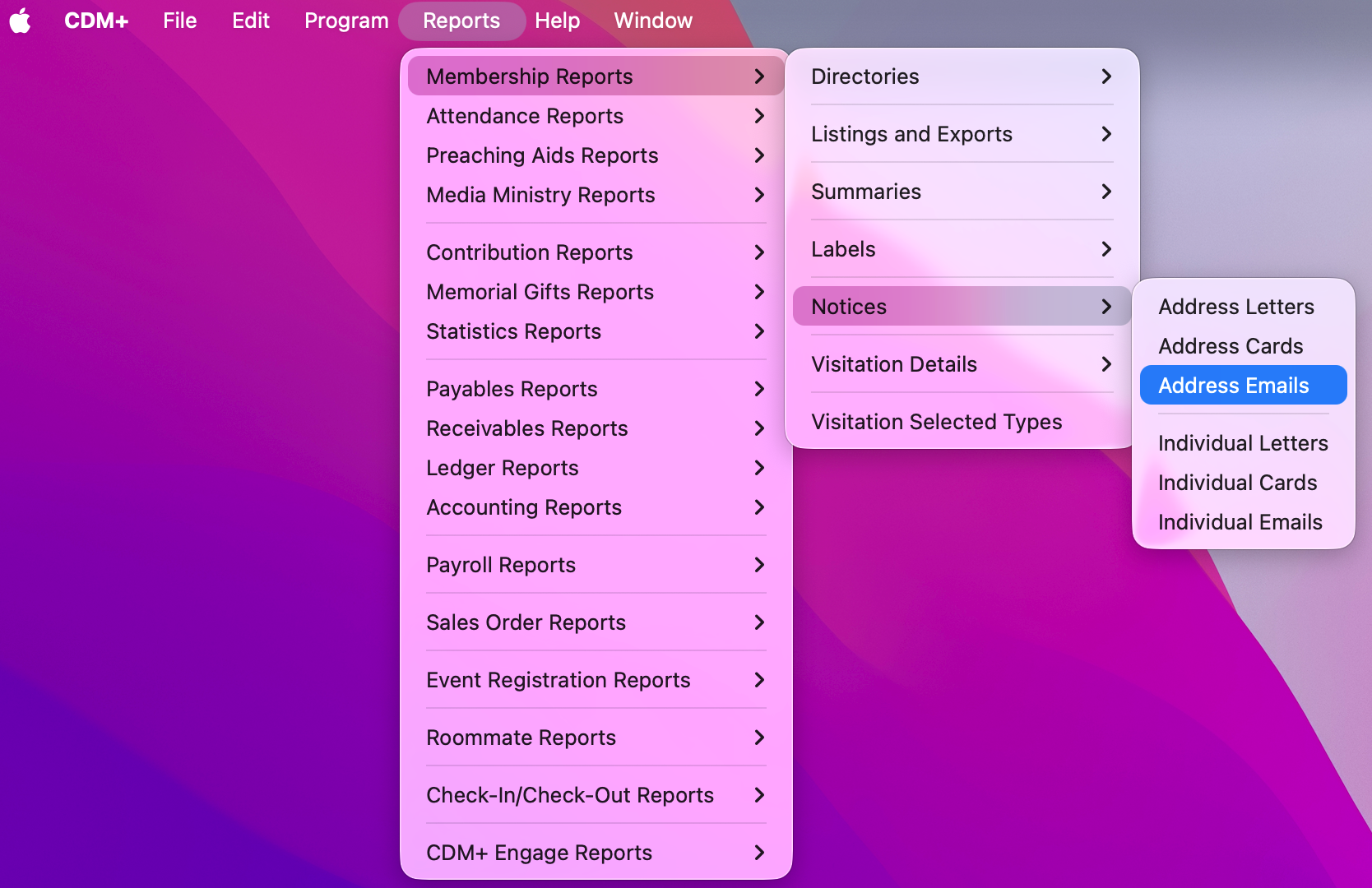
There are three types of notices: Letters, Cards, and Emails. Notices are most easily accessed under the Reports menu. Go to Reports → [Program] Reports → Notices and then select the type of notice you want to build.
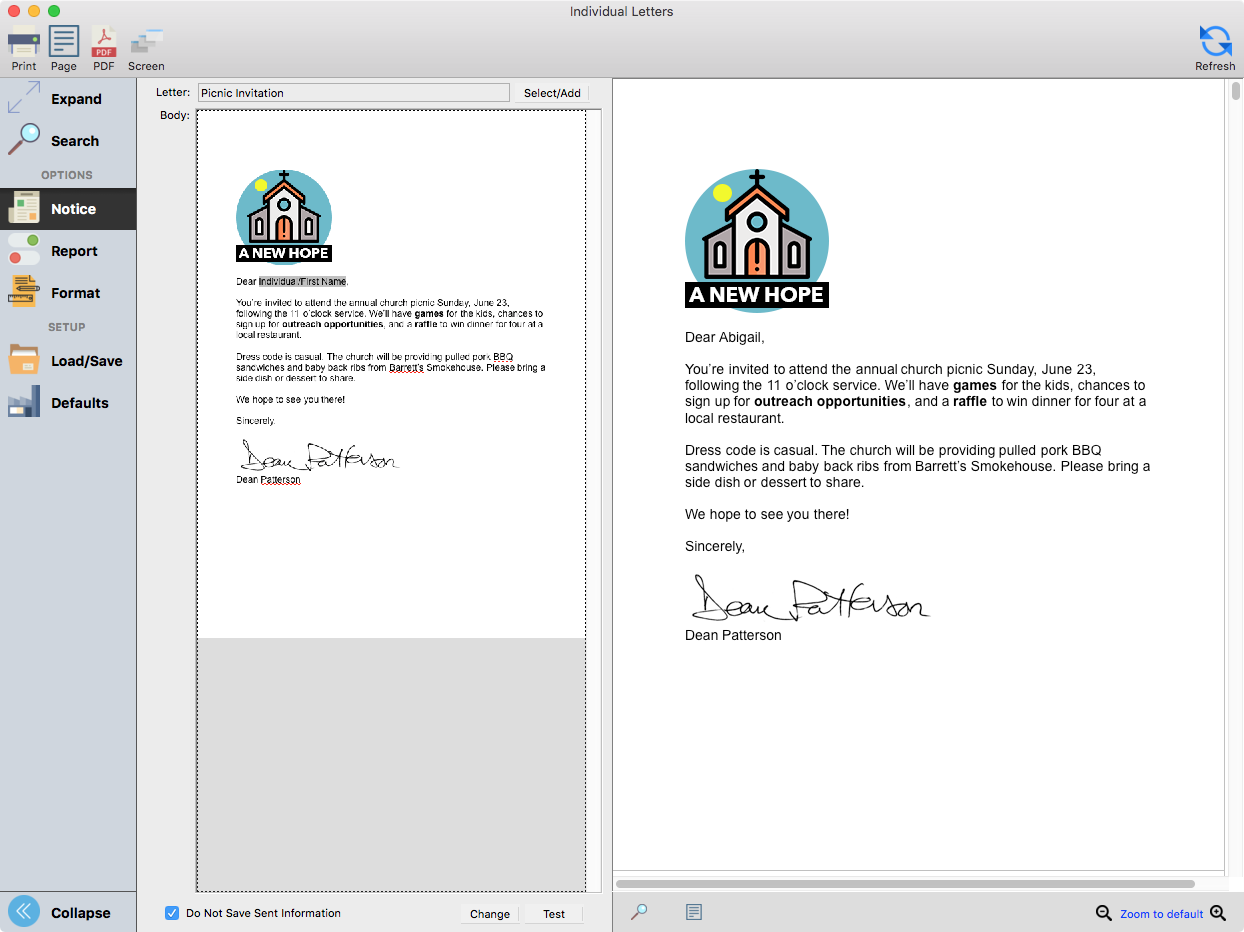
Letters
Letter Notices allow you to format a letter to be printed and physically mailed.
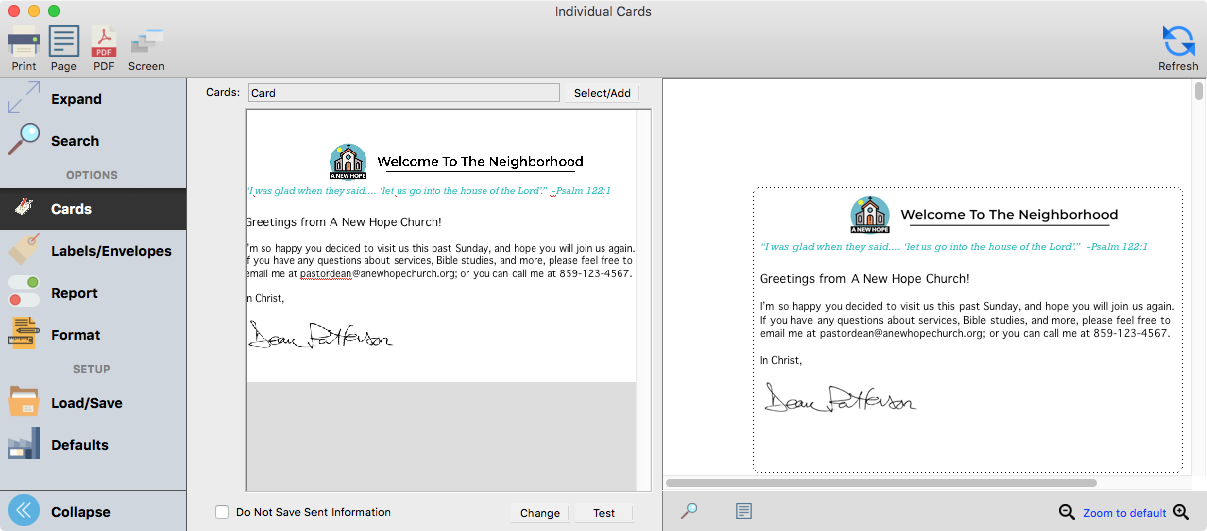
Cards
Card Notices allow you to format many different kinds of cards to be printed and physically mailed, including folded cards, business cards, and postcards. For more information on how to create a postcard, click here.
Emails
Email Notices allow rich emails to be send as a bulk email or personalized for each individual recipient.