Saving a Set will not save the formatting options you chose and the search you entered when creating a Custom Listing report. If you anticipate using this report again, use the Load/Save tab in the sidebar. This will save the search criteria, set and formatting, and allow you name the report for future use.
-
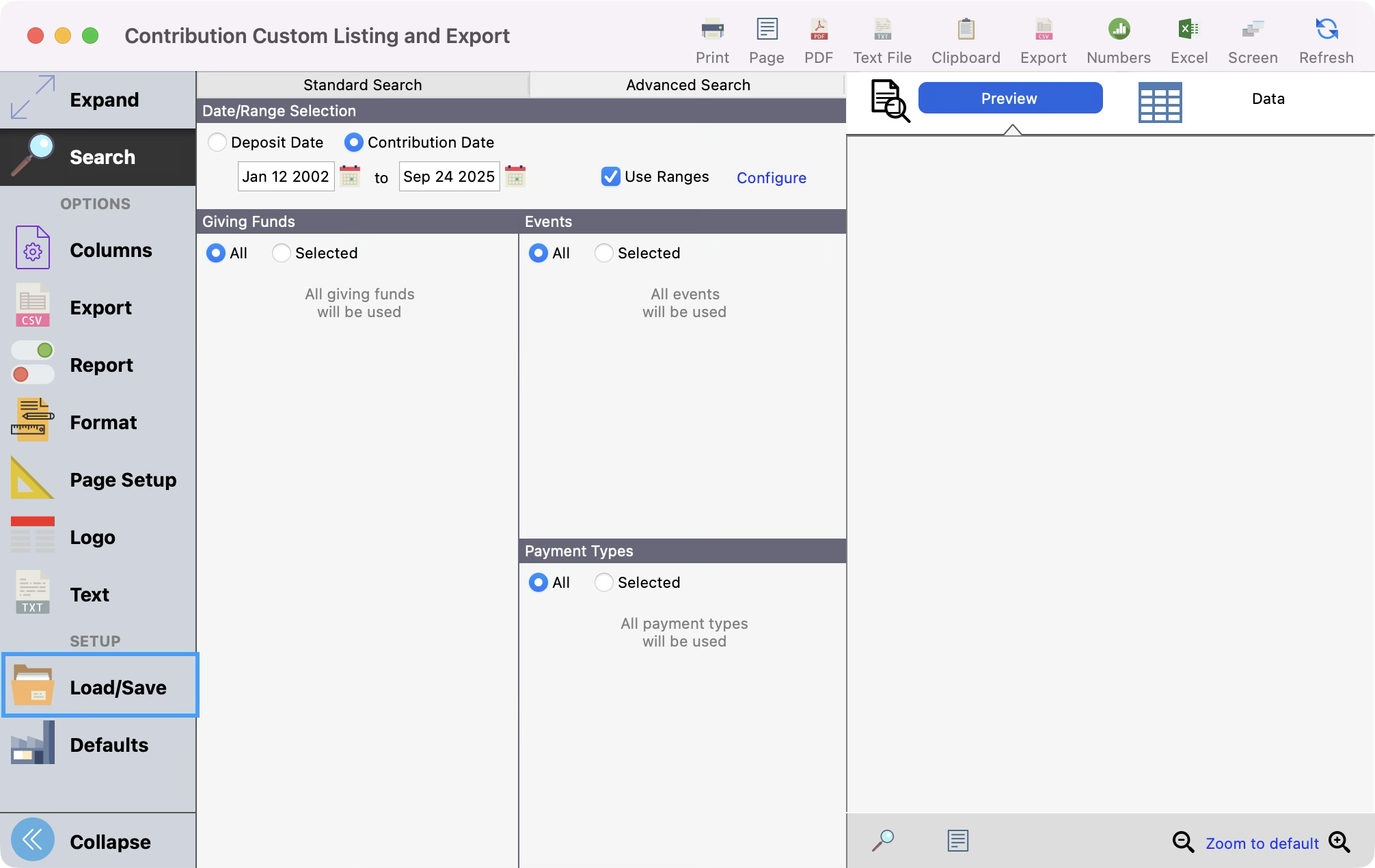
From a Custom Listing and Export report window, click Load/Save from the left sidebar.
-
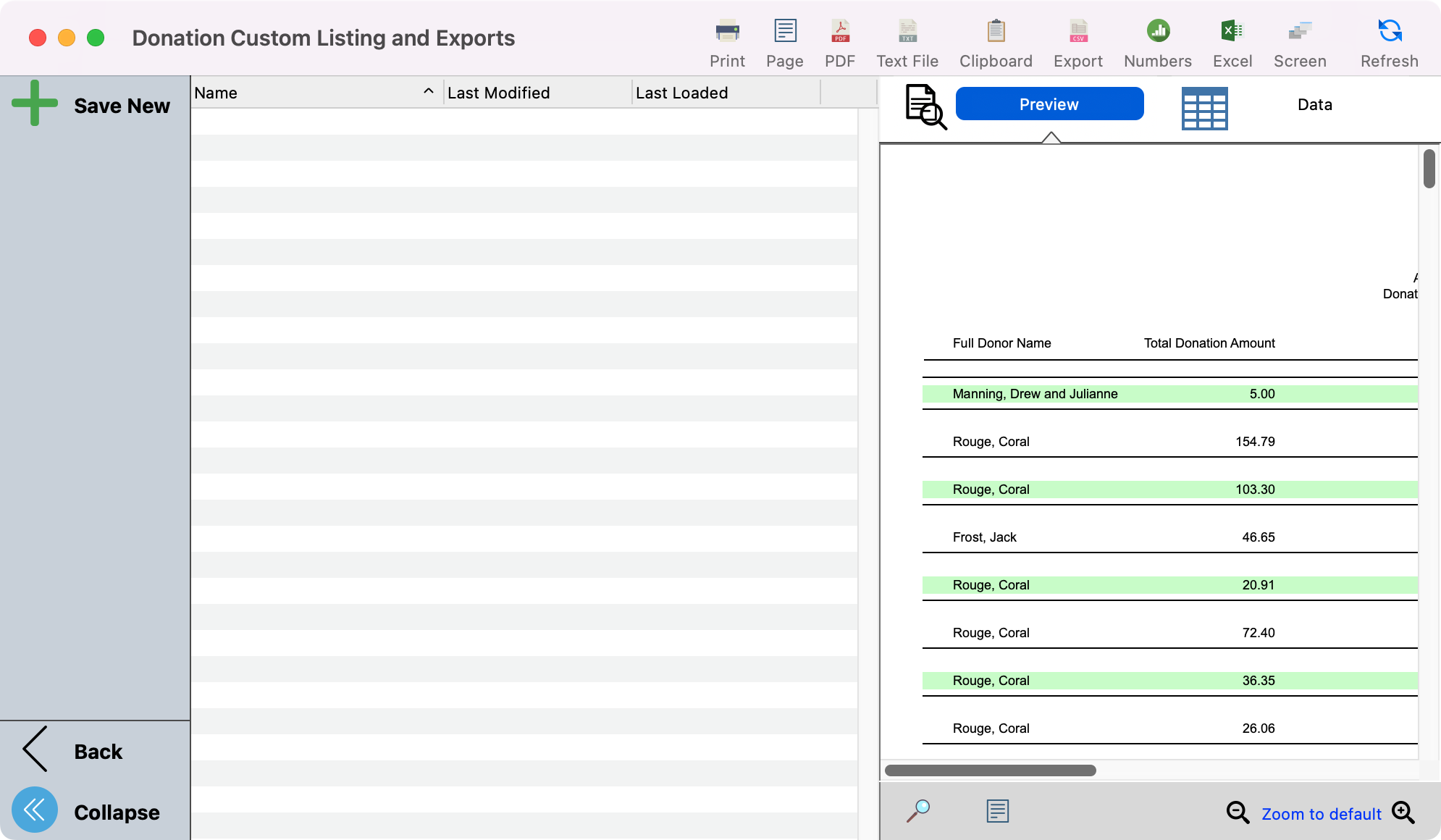
After clicking Load/Save, you’ll see the option to Save New.
-
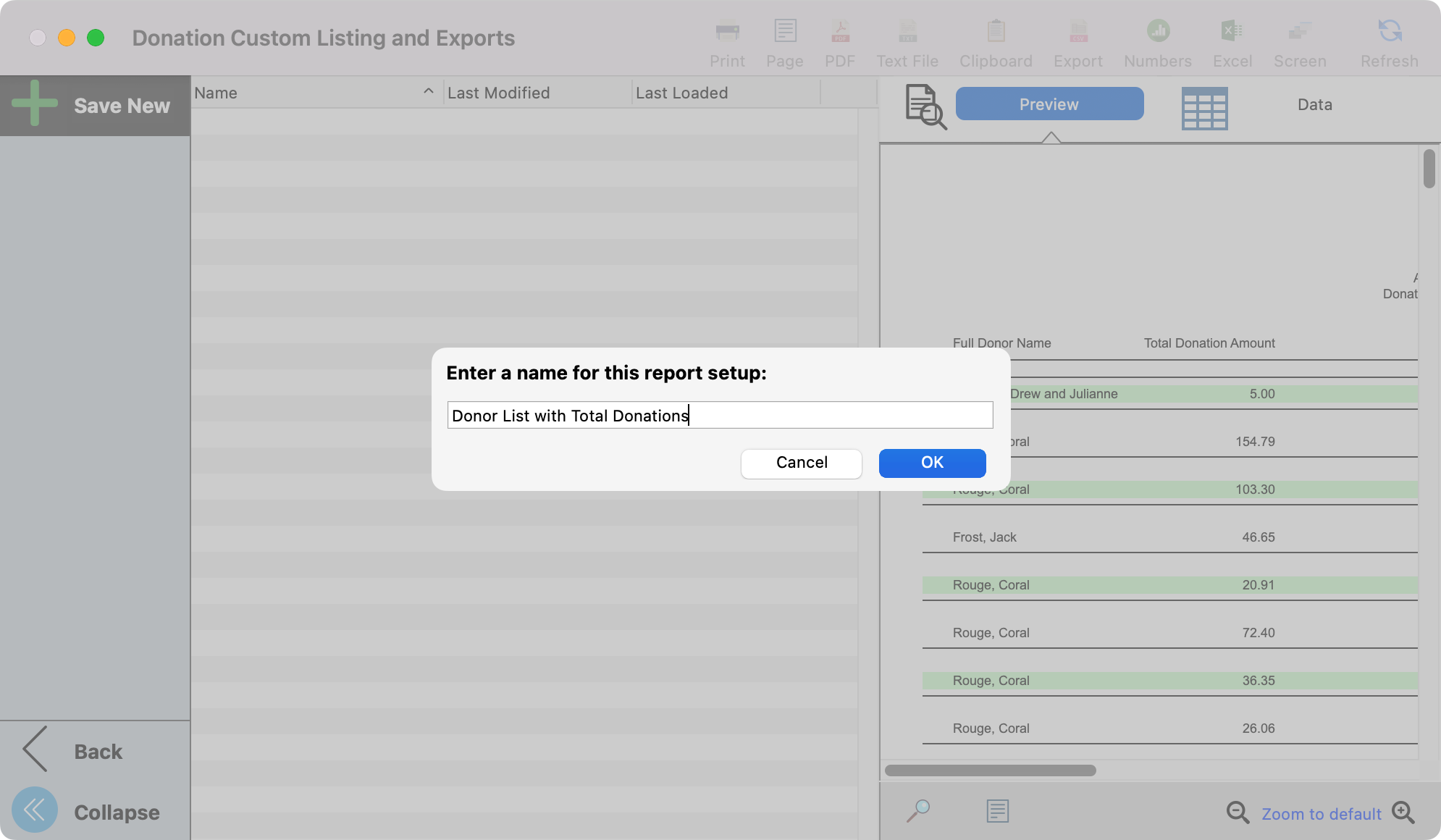
Enter a name for the report and click, OK.
-
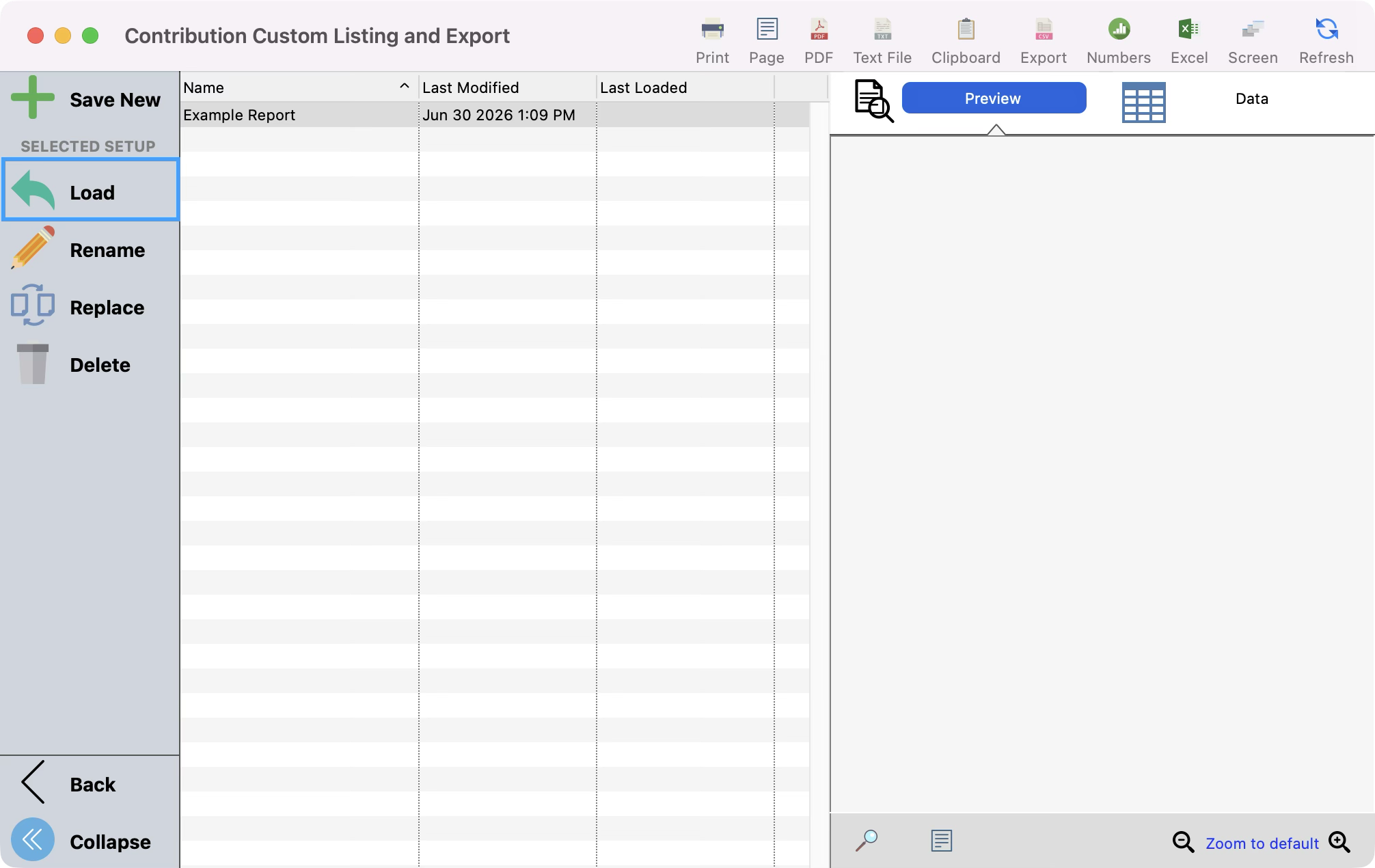
The next time you want to view this same exact report, click to highlight the name of the report and click Load.