Don't miss our Annual CDM+ User Conference Early Bird Pricing! Offer Ends July 31st. Click here to learn more!
Attendance

Visitor Reports

Creating visitor records allow you to create and pull reports so you can see data on each visitor and analyze effective visitor follow-up and more.

Visitor Master Listing

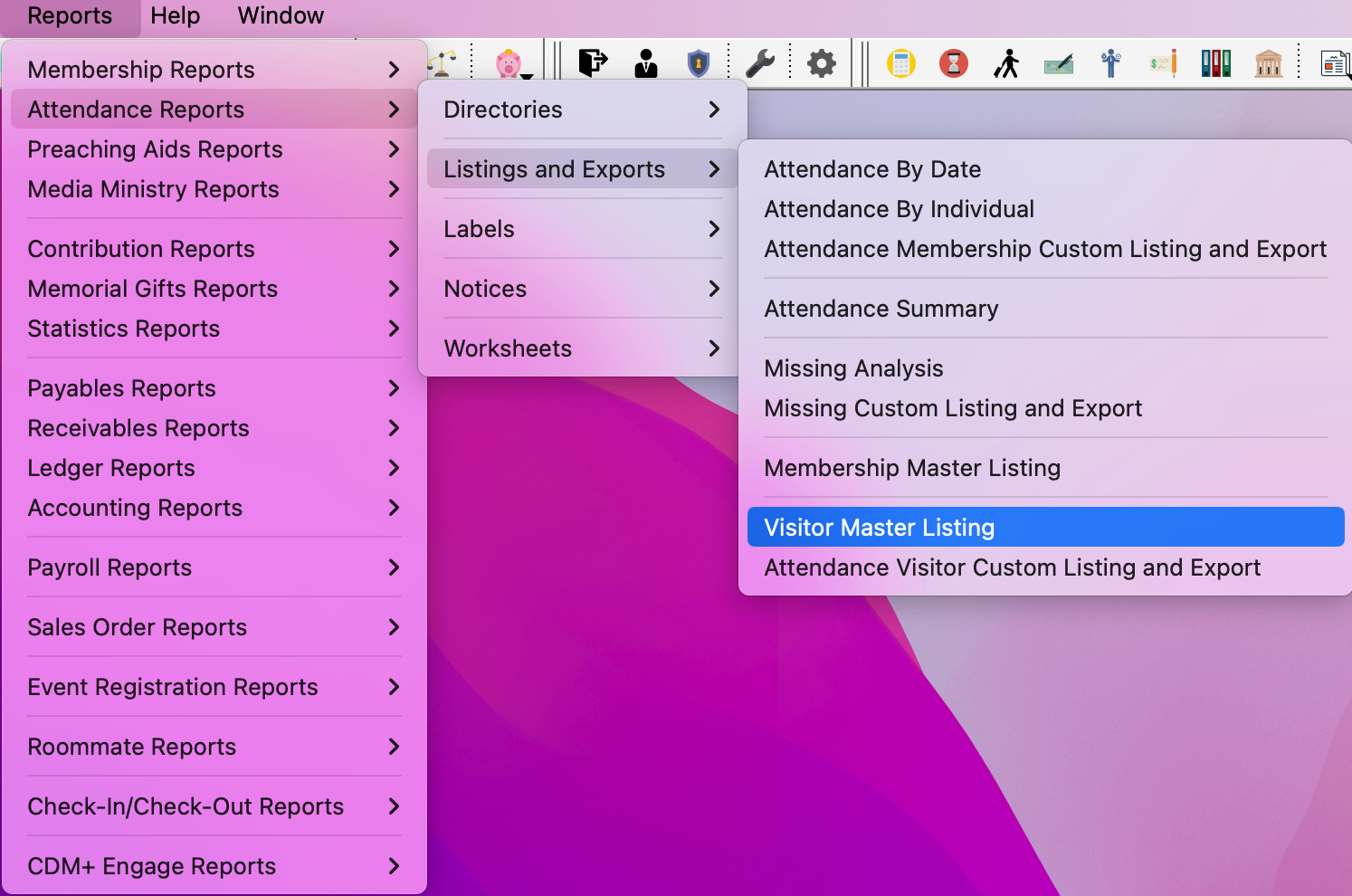
  1. Go to ReportsAttendance ReportsListings and ExportsVisitor Master Listing

    Picture of navigation to Visitor Master Listing report.


  2. Under Search, you select your search criteria based on Status Codes, Dates to Examine, and Event/List Selection.
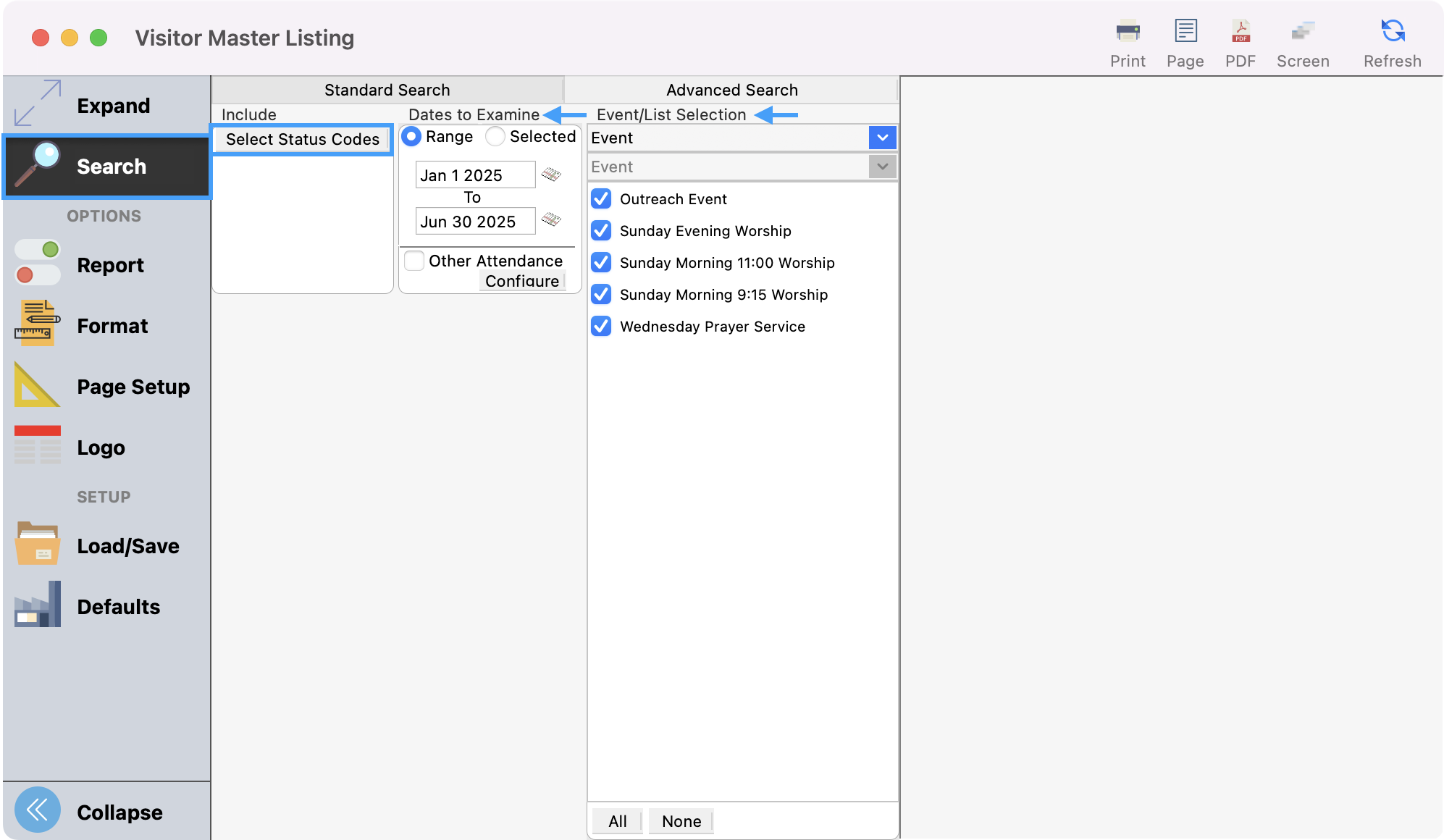
    Picture of Visitor Maser Listing window with the Search menu and search criteria options highlighted.


  3. Customize your report using options under Report, Format, and/or Page Setup.
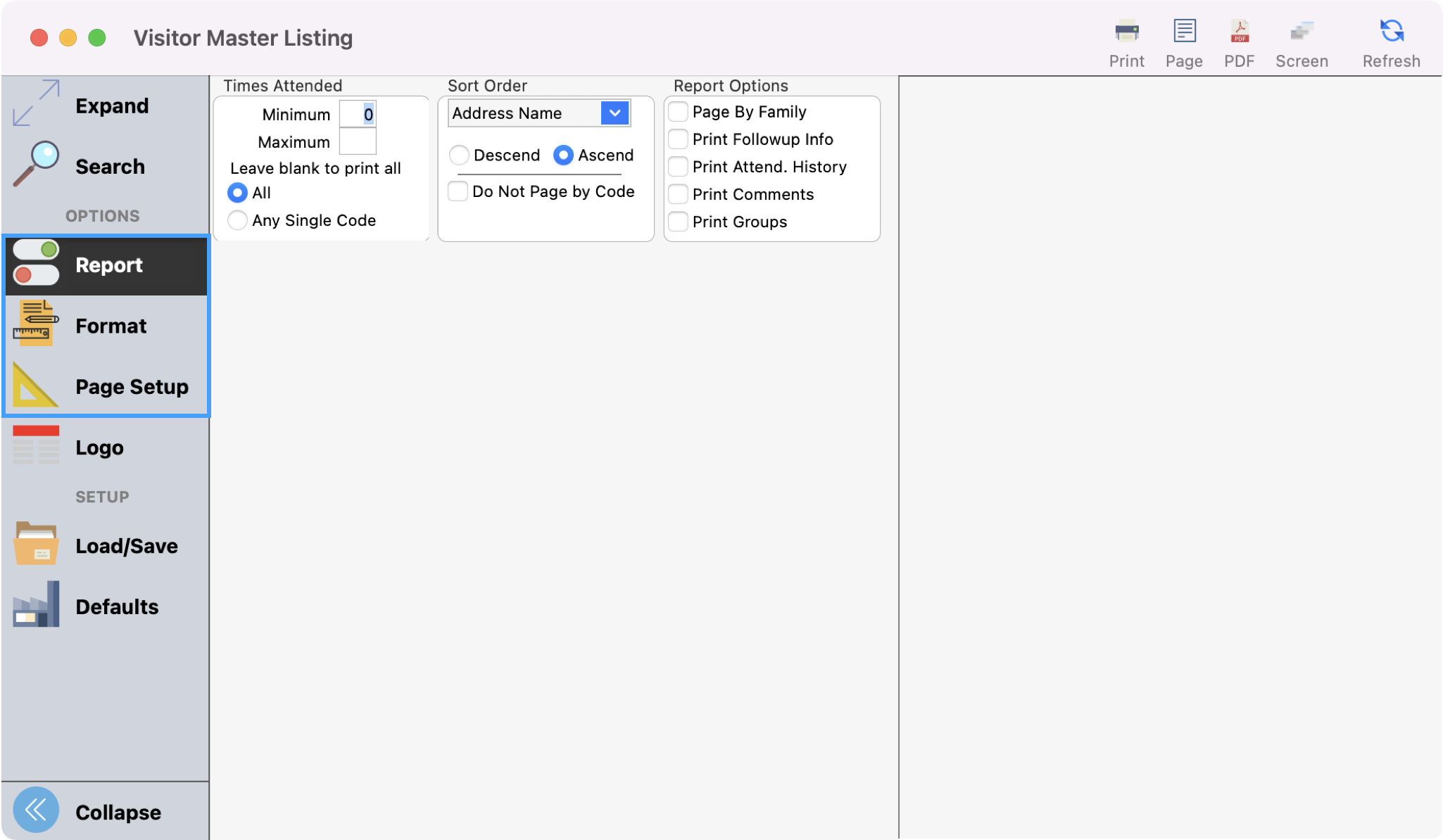
    Picture of Visitor Master Listing window with Report, Format, and Page Setup menus highlighted in the left sidebar.


  4. Once satisfied, click Refresh to see a preview of your report.
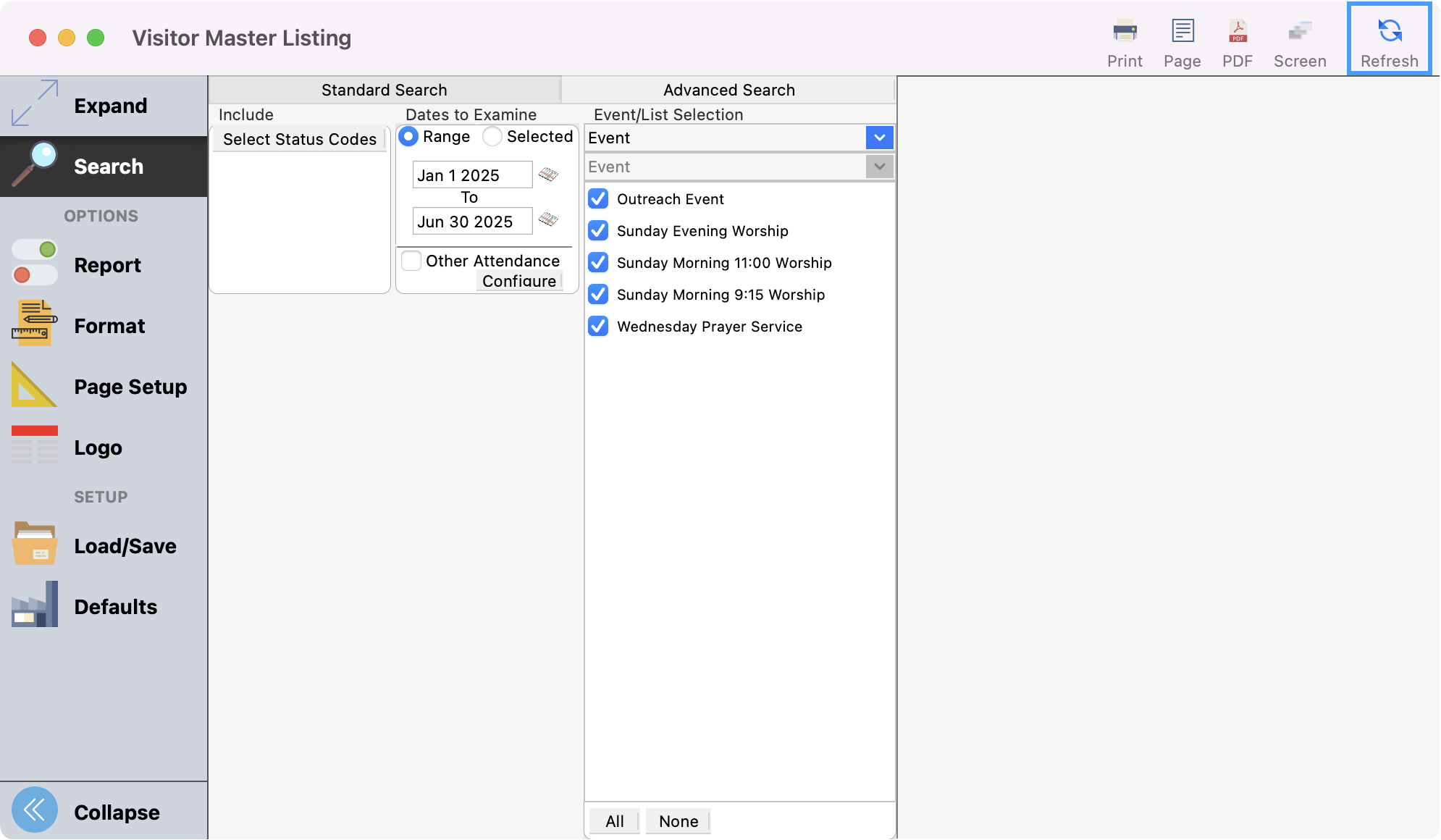
    Visitor Master Listing window with Refresh highlighted in the upper right-hand corner.


  5. Then, you can print or export the report as desired.
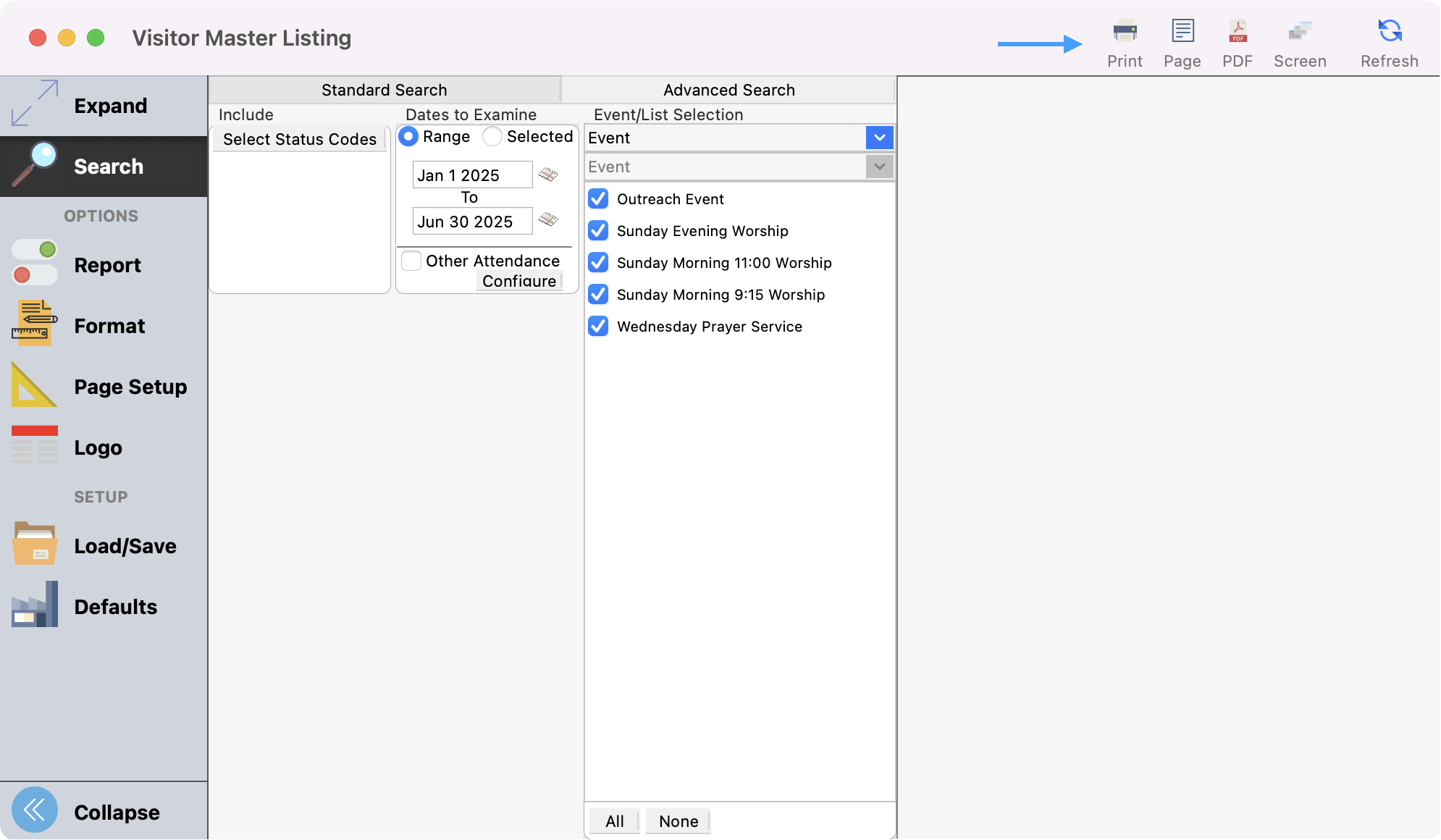
    Visitor Master Listing window with an arrow pointing to the different print and export options.